



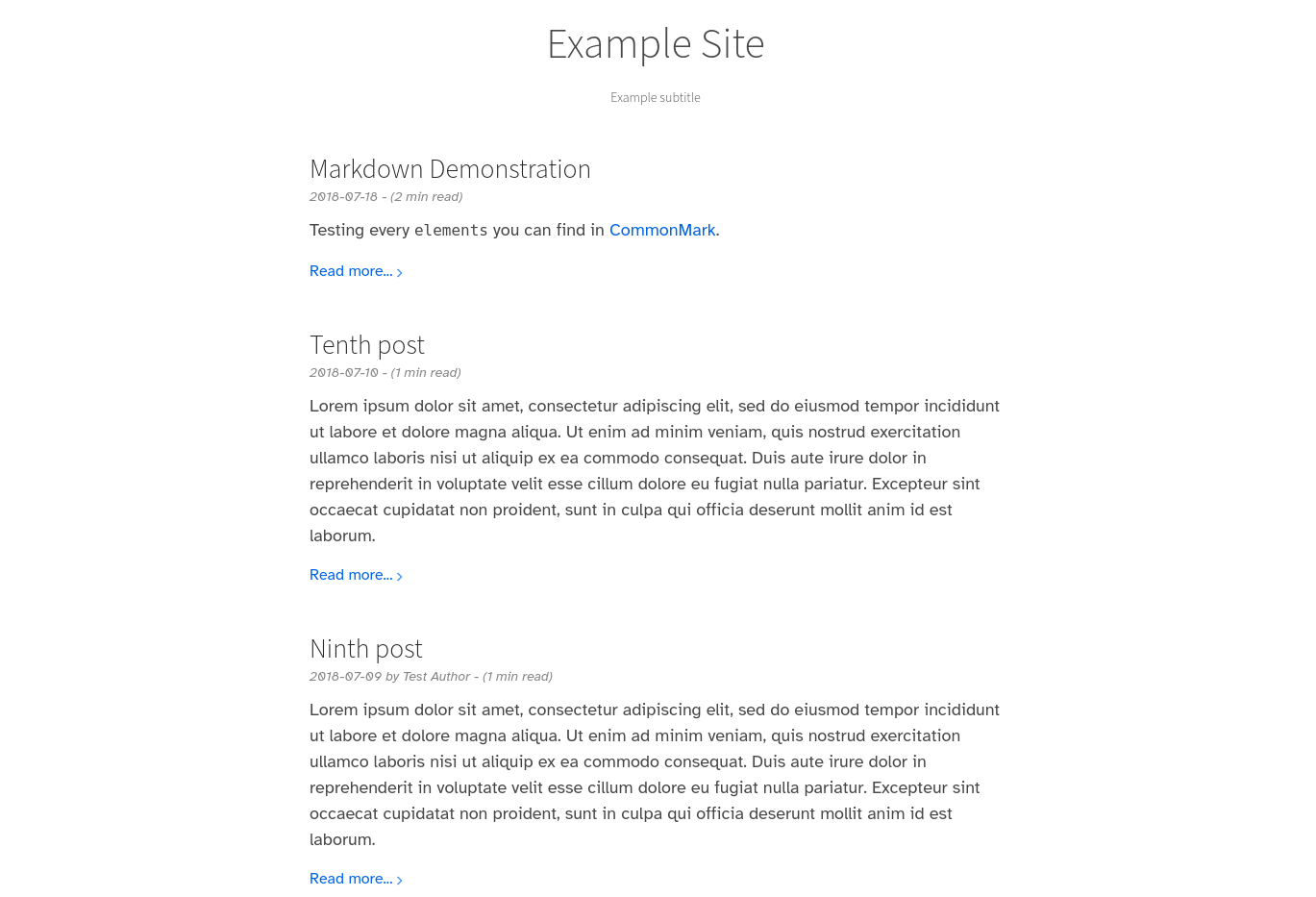
首先将此主题下载到你的 themes 目录:
$ cd themes
$ git clone https://github.com/lukehsiao/zola-pickles.git
然后在你的 config.toml 中启用它:
theme = "zola-pickles"此主题要求将文章放在 content 文件夹的根目录下,并启用分页,例如在 content/_index.md 中。
+++
paginate_by = 5
sort_by = "date"
insert_anchor_links = "right"
+++[extra]
# 显示在主标题下方的一行
subtitle = "Example subtitle"
# 显示在页面页脚的文本
copyright = "Copyright authors year"
# 你的 Google Analytics ID
analytics = ""
# 见下文
katex_enable = false
# 见下文
instantpage_enable = falseconfig.toml 中包含一个完整的示例配置。
请注意 pickles 还期望在 Zola 配置中设置 title 和 description。
此主题包含使用 KaTeX 公式 的数学公式支持,可以通过在 config.toml 的 extra 部分设置 katex_enable = true 来启用。
启用此扩展后,可以在文档中使用 katex 短代码:
{% katex(block=true) %}\KaTeX{% end %} 用于排版数学公式块,
类似于 LaTeX 中的 $$...$$figure 短代码便于为图片添加标题。
{% figure(link="https://www.example.com/", src="https://www.example.com/img.jpeg", alt="sample alt text") %}
Your caption here.
{% end %}table 短代码便于制作移动端友好的表格(居中且带有溢出滚动条)。
{% table() %}
| Item         | Price | # In stock |
| :----------- | ----: | ---------: |
| Juicy Apples |  1.99 |        739 |
| Bananas      |  1.89 |          6 |
{% end %}此主题包含 fontawesome,因此可以直接使用 fontawesome 图标。
此主题包含 instant.page 预取。可以通过在 config.toml 的 extra 部分设置 instantpage_enable = true 来启用。
默认情况下,如果没有提供使用 <!-- more --> 的适当 页面摘要,主题将使用文章的前 280 个字符作为摘要。
为了获得更合理的摘要,我们建议使用手动的 more 指示符。