
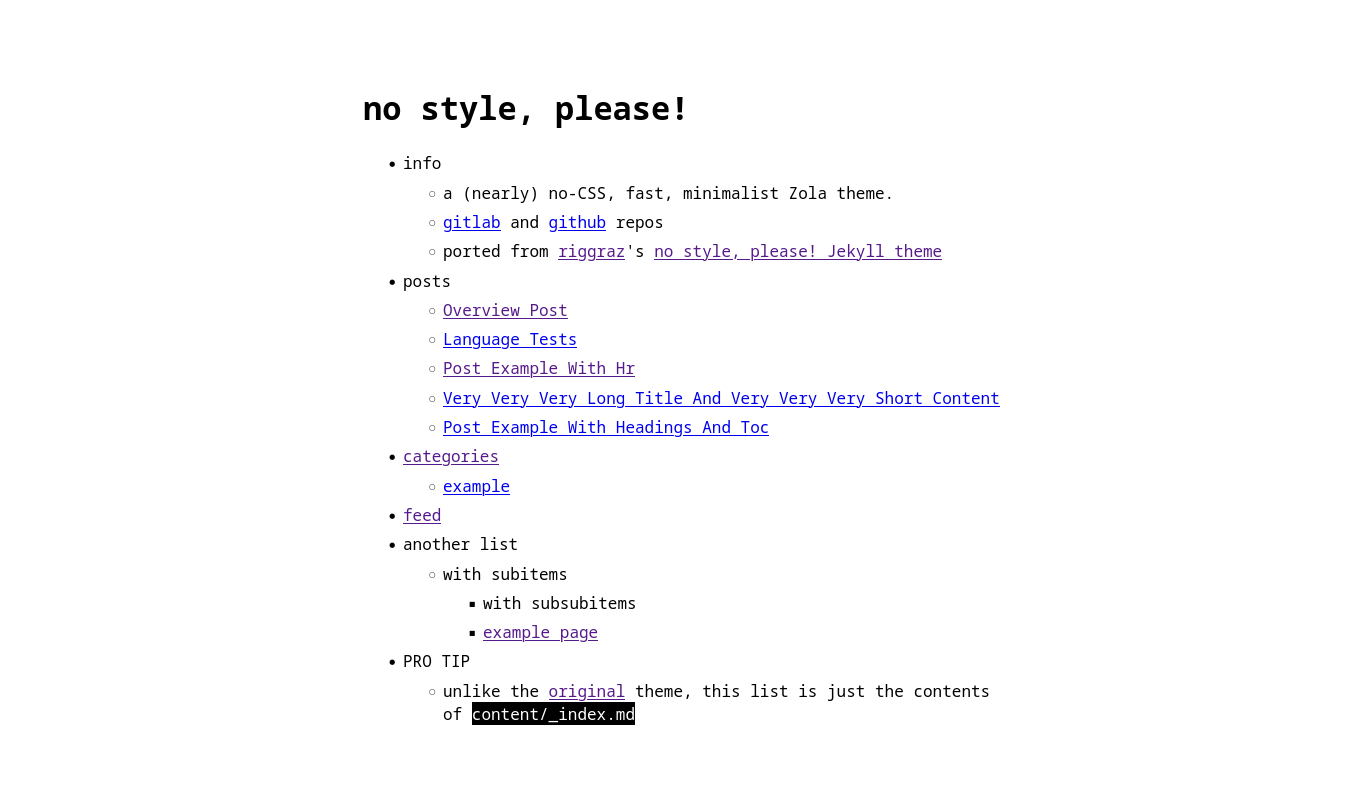
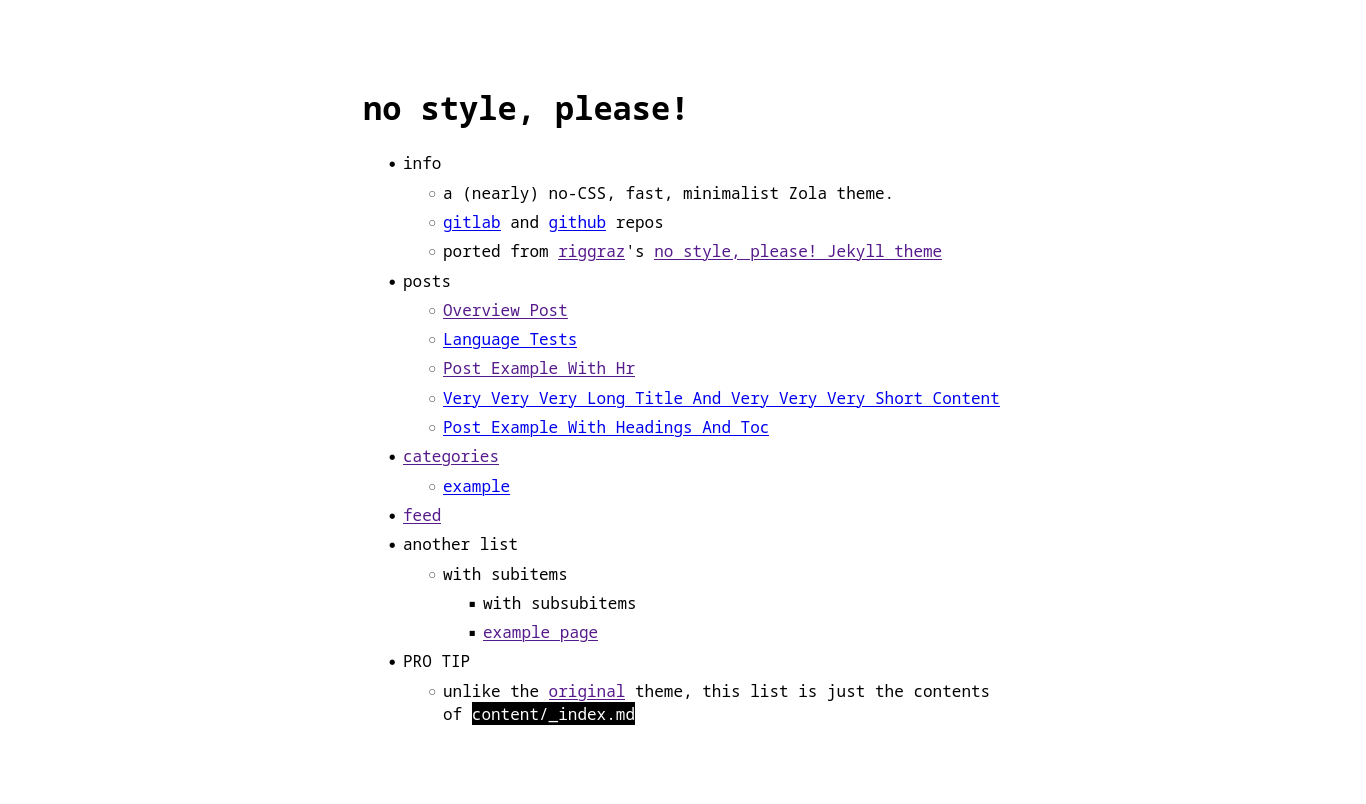
一个(几乎)无 CSS、快速、极简的 Zola 主题。 从 riggraz 的 no style, please! Jekyll 主题 移植而来,你可以在 这里 找到演示。
主要项目在 sourcehut 上,在 GitHub 和 GitLab 上有镜像。
首先将此主题下载到你的 themes 目录:
cd themes
git clone https://gitlab.com/4bcx/no-style-please.git
然后在你的 config.toml 中启用它:
theme = "no-style-please"提供了用于 tags、categories 和 contexts 分类法的特殊模板。但是,自定义分类法也有通用模板。
要使用分类法,在页面元数据中添加
[taxonomies]
tags = [ 'tag1', 'tag2' ]
categories = [ 'category A', 'B class' ]
genre = [ 'rock', 'alternative' ] # 自定义分类法要在首页启用文章列表,请在 config.toml 中添加以下内容
[extra]
list_pages = true
如果你不想在列表中标题旁边添加文章日期,请添加以下内容:
no_list_date = true同样在 config.toml 的 extra 部分
[extra]

header_nav = [
    { name = "~home", url = "/" },
    { name = "#tags", url = "/tags" },
    { name = "+categories", url = "/categories" },
    { name = "@contexts", url = "/contexts" },
    { name = "example", url = "http://example.com", new_tab=true },
]
footer_nav = [
    { name = "< previous", url = "#" },
    { name = "webring", url = "#" },
    { name = "next >", url = "#" },
]在页面 Front Matter 中,将 extra.add_toc 设置为 true
[extra]
add_toc = trueauthor 可以在主配置和页面元数据中设置image 变量可以在页面中使用,以将图片添加到 HTML <meta> 标签logo 同理,除此之外它也被用作站点图标hr()添加在主题分隔符中插入文本的选项
{{ hr(data_content="footnotes") }}渲染为

iimg()默认情况下,图片在暗色模式下不会反转。要添加可反转图片,请使用以下内容
{{ iimg(src="logo.png", alt="alt text") }}在亮色模式下

在暗色模式下

默认情况下会生成 Twitter 元标签,要禁用它们,请在你的 config.toml 中将 extra.twitter_card 设置为 false
[extra]
twitter_card = true该主题根据 MIT 许可证 作为开源软件提供。