
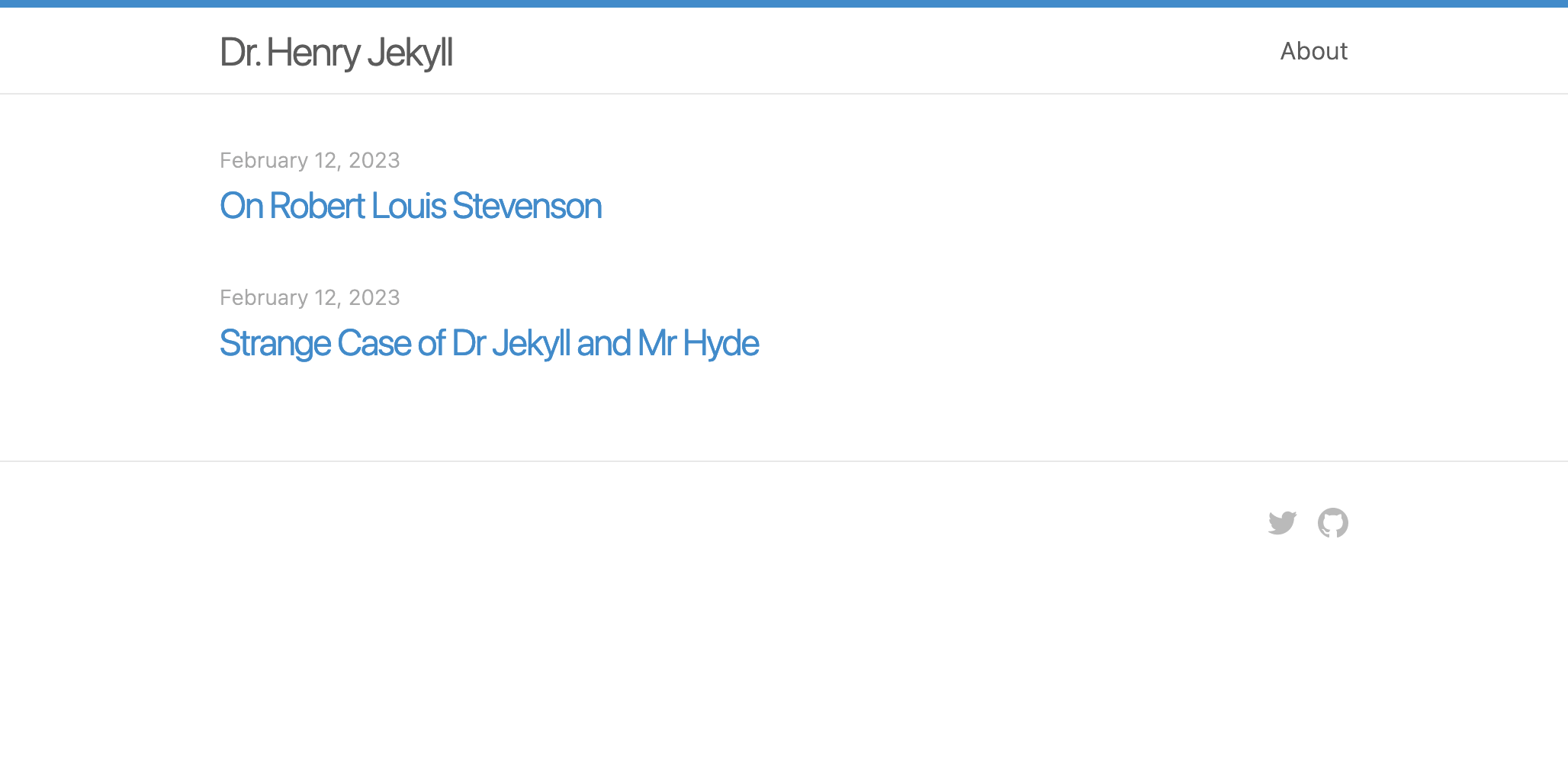
Henry 是一个基于原始 Jekyll 样式的单栏 Zola 主题。
演示 -> https://sirodoht.github.io/zola-henry/


首先将此主题下载到你的 themes 目录:
$ cd themes
$ git clone https://github.com/sirodoht/zola-henry.git henry
然后在你的 config.toml 中启用它:
theme = "henry"在 extra 中设置一个键为 henry_links 的字段:
[extra]
henry_links = [
    {url = "about", name = "About"},
    {url = "https://github.com/benbalter", name = "GitHub"},
]
每个链接都需要有一个 url 和一个 name。
默认情况下,Henry 在页脚右侧提供 GitHub 图标链接。你可以在 config.toml 中更改其链接 href。
[extra]
henry_github = "https://github.com/sirodoht/zola-henry"Twitter 太主流了,有点逊,但 100% 的用户都要求,所以我们提供了它。
[extra]
henry_twitter = "https://twitter.com/benbalter"MIT