
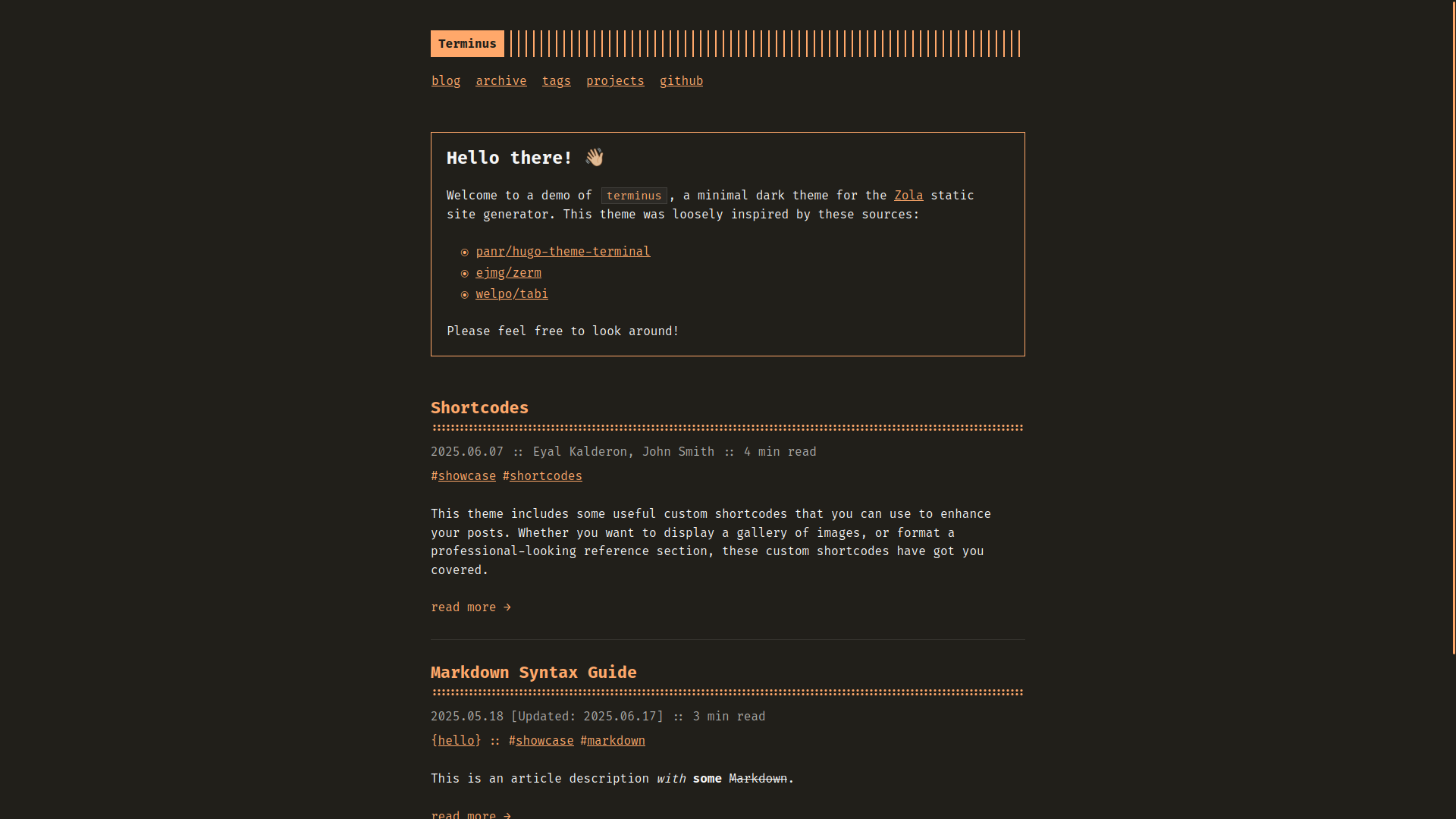
一个注重无障碍的 Zola 主题,采用深色配色和复古终端风格,支持多语言、零必需 JavaScript、优雅连字字体,以及满分基线 Lighthouse 评分。
Try the demo now: https://ebkalderon.github.io/terminus/
Terminus 大体移植自 Radek Kozieł 的 Terminal Theme for Hugo but with several key differences. Credit to the zerm and tabi themes for inspiring some of these changes. Hugo](https://github.com/panr/hugo-theme-terminal),但做了若干关键改动。也感谢 zerm 和 tabi 主题带来的灵感。
git initgit submodule add https://github.com/ebkalderon/terminus.git themes/terminusconfig.toml:theme = "terminus"title in your config.toml:title = "Your Site Title"content/_index.md. This file controls how your
home page looks and behaves. Choose exactly one of the following options:
/:+++
title = "Home"
paginate_by = 5 # Show 5 posts per page.
+++blog/:+++
title = "Home"
[extra]
section_path = "blog/_index.md" # Where to find your posts.
max_posts = 5 # Show 5 posts and a link to blog section on home page.
+++如以 Git 子模块方式安装,可运行以下命令更新 Terminus:
git submodule update --remote themes/terminus本项目基于 MIT license 发布。