
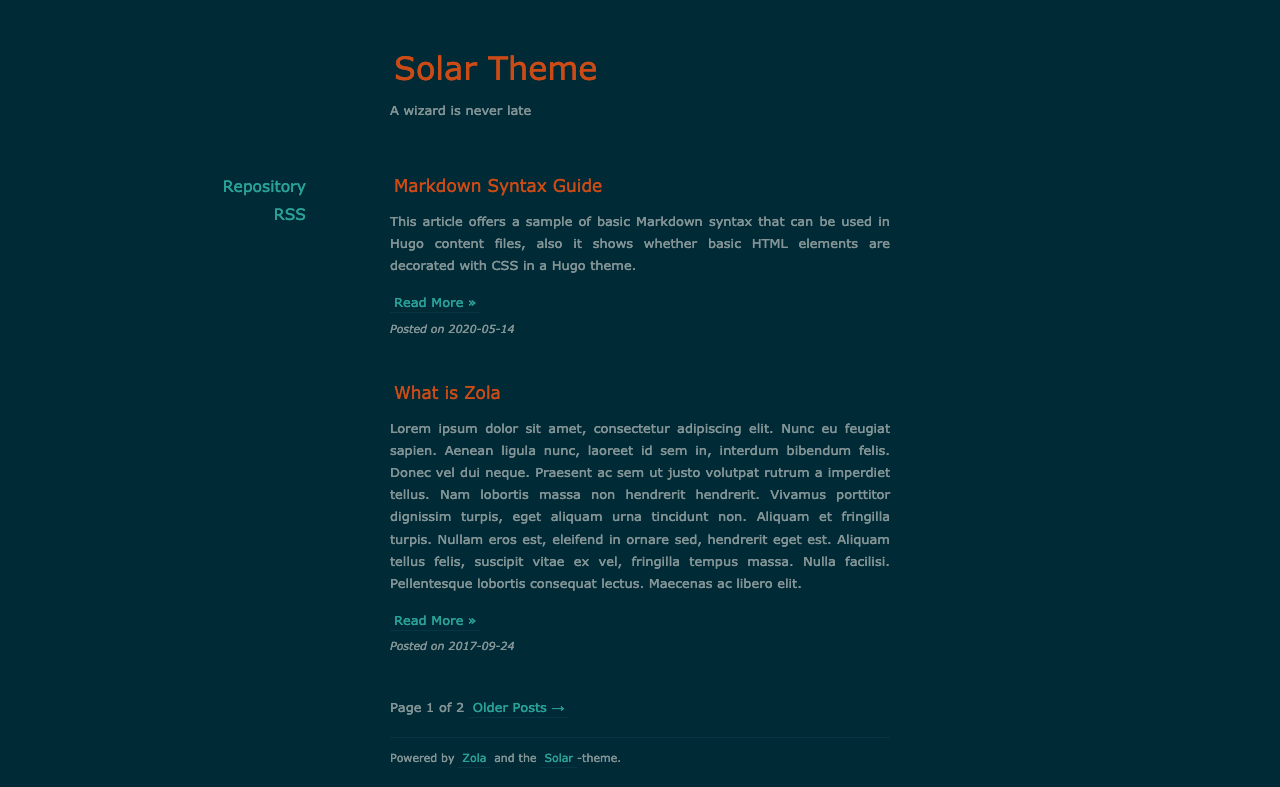
将 Solar theme for Hugo 移植到 Zola。
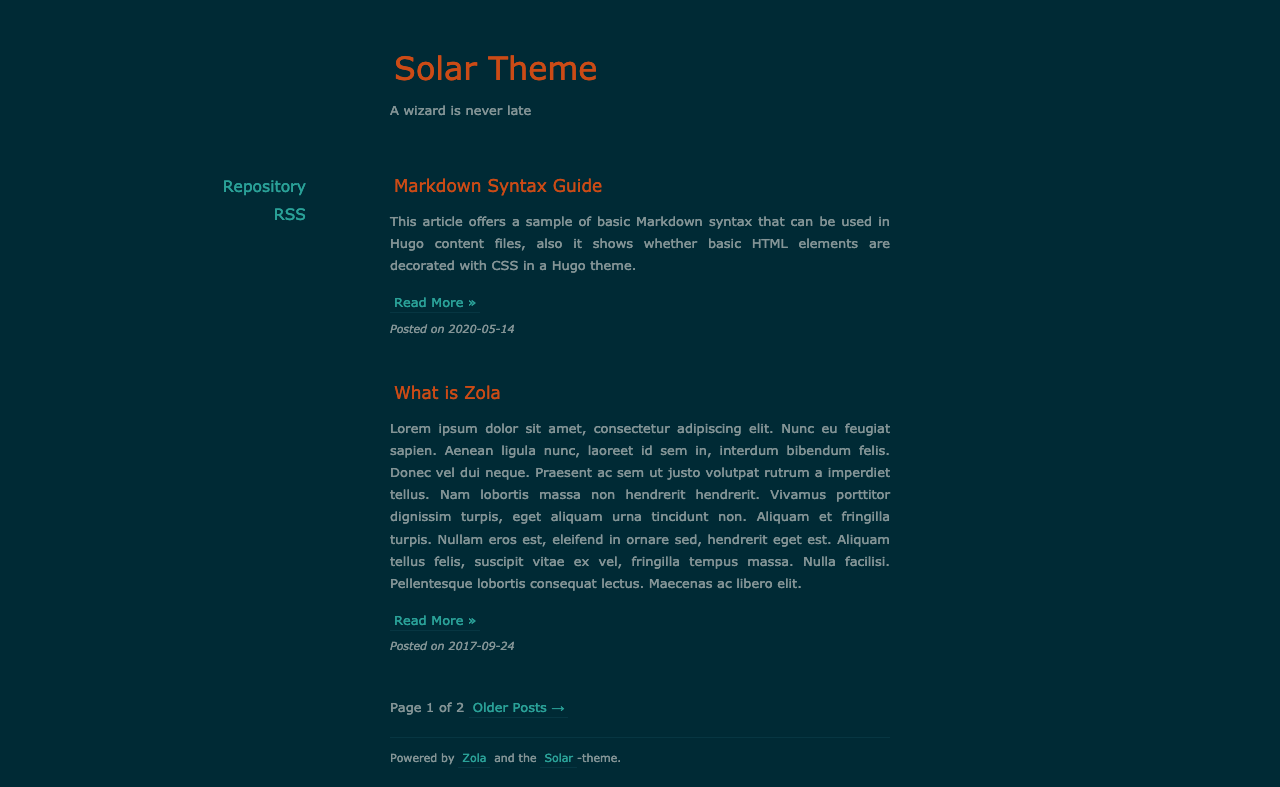
首先将此主题下载到你的 themes 目录:
$ cd themes
$ git clone https://github.com/hulufei/solar-theme-zola.git
然后在你的 config.toml 中启用它:
theme = "solar-theme-zola"添加 title 和 description:
title = "Your Blog Title"
description = "Your blog description"使用 highlight_theme 选项将配色方案设置为 (Solarized) dark 或 (Solarized) light:
highlight_theme = "solarized-dark"在 extra 中设置一个键为 site_menus 的字段:
site_menus = [
  { url = "https://github.com/hulufei/solar-theme-zola", name = "Repository" },
  { url = "rss.xml", name = "RSS" },
]
每个链接都需要有一个 url 和一个 name。