
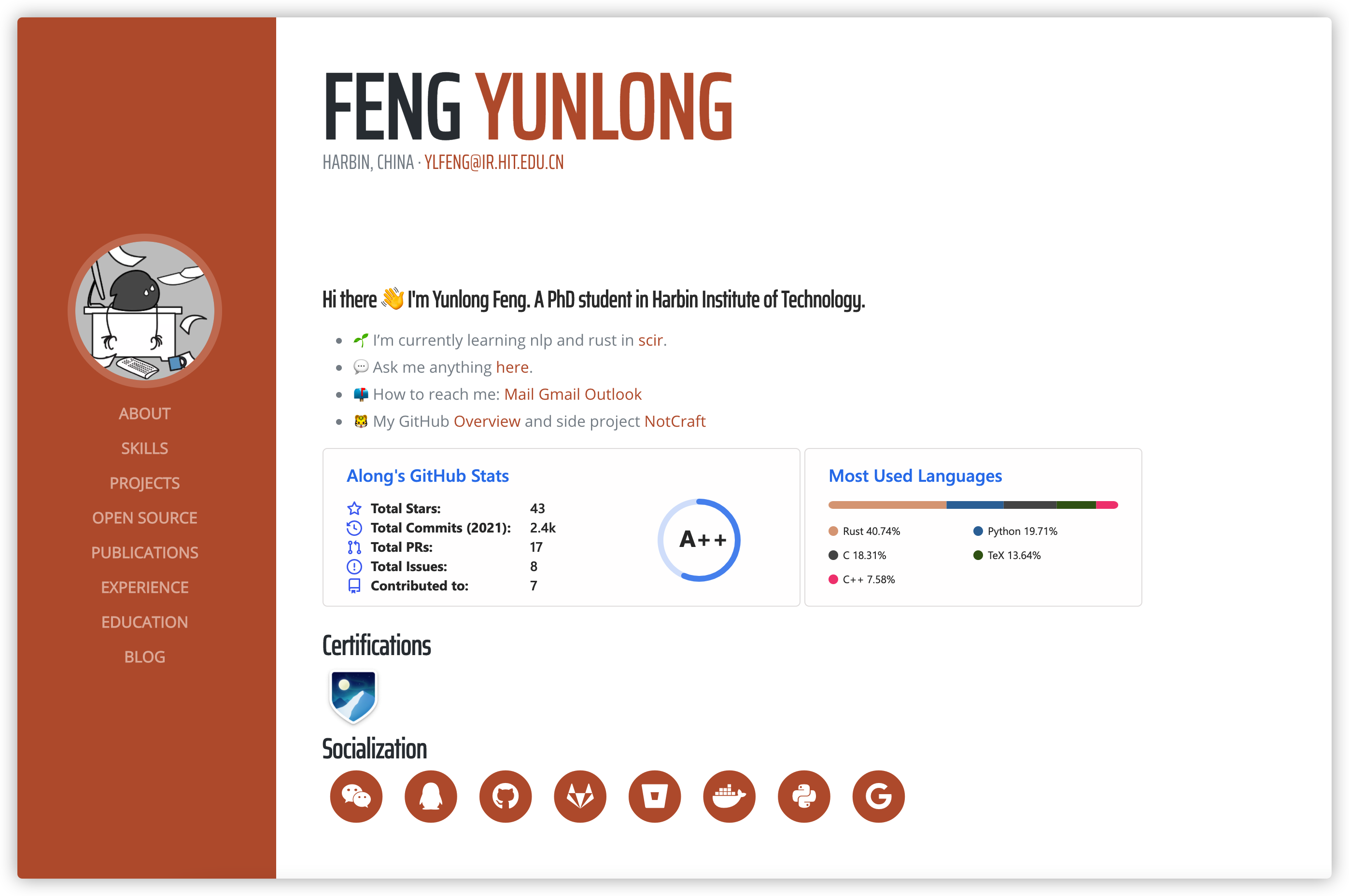
Redesigned form hugo resume. 基于 hugo resume 重新设计。
/search)。/admin 端点,授权用户可通过可视化编辑器编辑并回写 Markdown,体验类似 Wordpress/CMS。git clone [email protected]:alongwy/zola-resume.git
cd zola-resume
zola serve
# open http://127.0.0.1:1111/上面展示了直接运行主题的方法。下面是在已有站点中分步安装主题。
zola init mysite将主题下载到 themes 目录:
cd mysite/themes
git clone [email protected]:alongwy/zola-resume.git
或作为子模块安装:
cd mysite
git init  # if your project is a git repository already, ignore this command
git submodule add [email protected]:alongwy/zola-resume.git themes/zola-resume在站点目录的 config.toml 中启用主题:
theme = "zola-resume"或将主题目录中的 config.toml.example 复制到项目根目录:
cp themes/zola-resume/config.toml.example config.tomlcp themes/zola-resume/static/admin/config.yml static/admin/config.yml并修改以下内容:
# static/admin/config.yml

backend:
  name: github
  repo: USERNAME/REPO
  branch: BRANCH
  cms_label_prefix: netlify-cms/
site_domain: DOMAIN.netlify.com你可以将主题目录中的内容复制到项目:
cp -r themes/zola-resume/data .
cp -r themes/zola-resume/content .
你可以按需在 content/blog、content/projects 或其他内容目录中修改或新增文章。
在项目根目录运行 zola serve:
zola serve这会启动 Zola 开发服务器,默认地址为 http://127.0.0.1:1111。保存改动后浏览器会自动热重载。
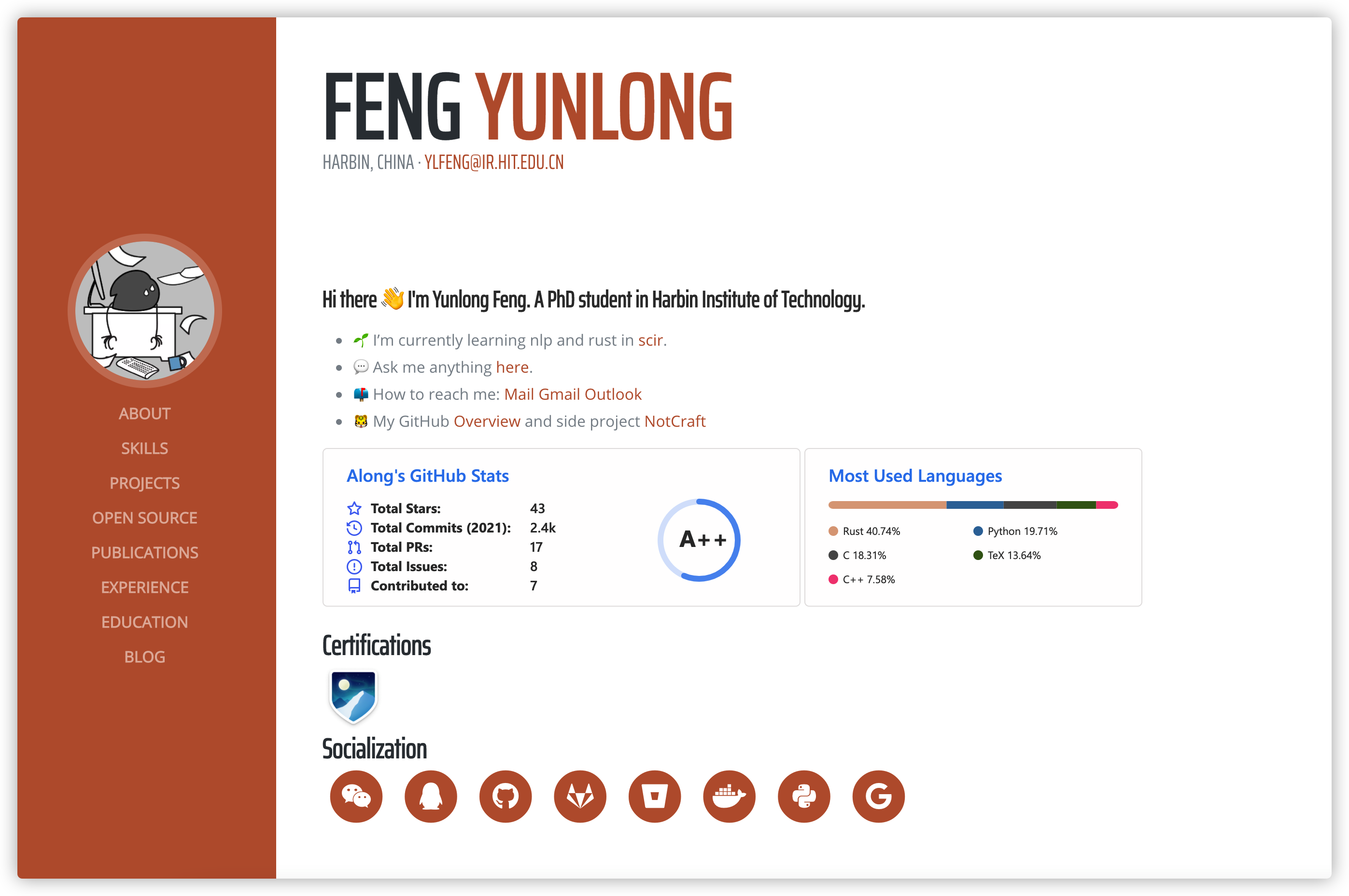
See along's site for a live example.
这个主题结合了自定义分区与数据文件来驱动内容展示。
编辑主页面 contents/_index.md,填写简短个人介绍/摘要。
数据文件用于首页上的结构化内容展示。
通过不同分类来区分你是发起者还是协作者。
与项目类似,在 publications 下创建,包含论文、演讲、文章等。
与普通文章类似,在 blog 下创建,记录思考与随笔等内容。
This template does not support a posts folder
除上述内容外,大部分个人信息通过 config.toml 的 extra 配置,或在使用 CMS 时于 “Settings” 集合中维护。
Does not require deployment to Netlify!
Netlify CMS 是一个开源项目,可为 Hugo 等静态站点工具提供 CMS 式编辑体验。本主题已在 static/admin 提供完整集成与使用指引。
本项目将 Feng Yunlong 的 Hugo Resume 主题移植到 Zola。