
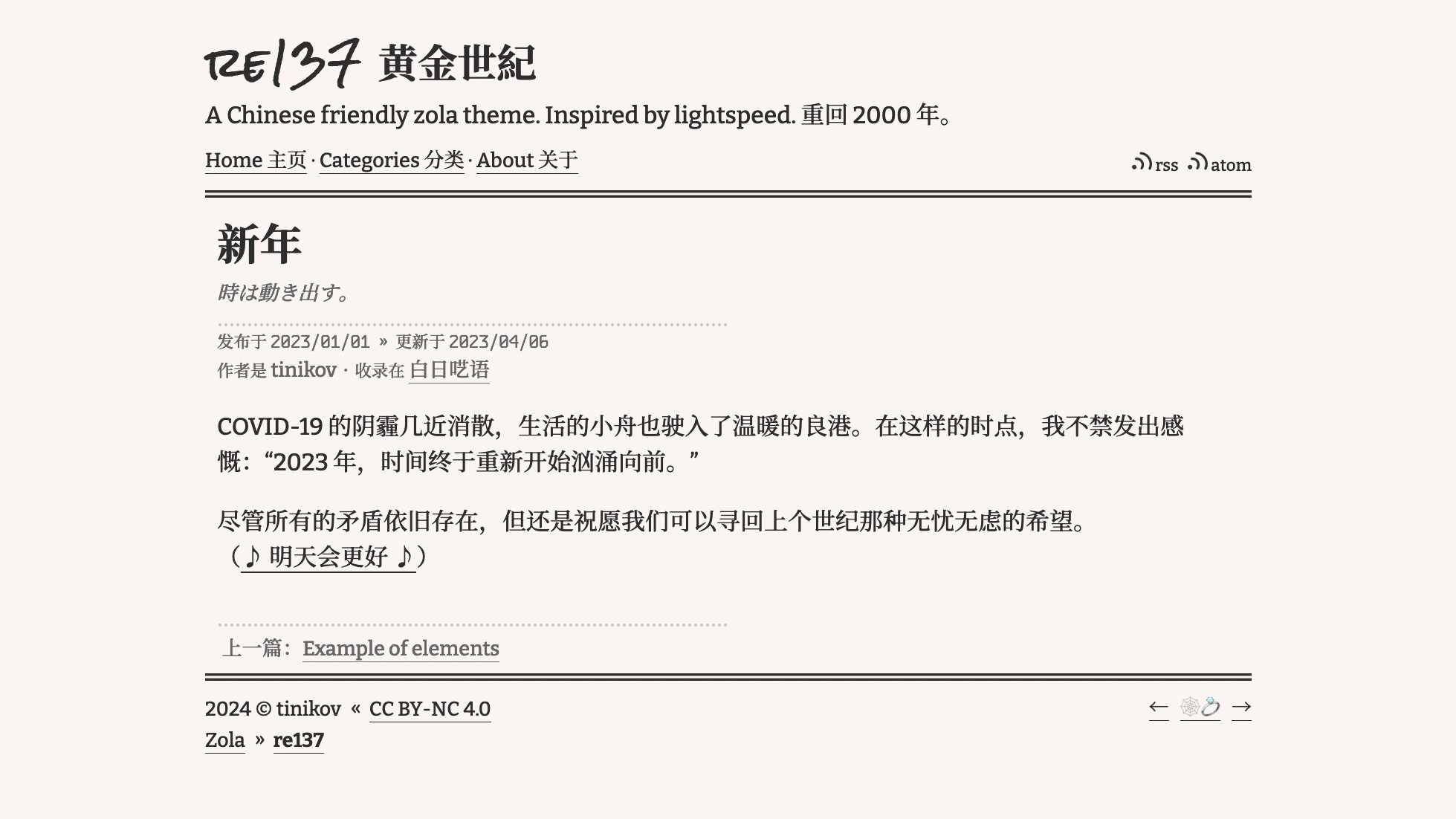
克隆此主题到你的 themes 目录:
cd themes
git clone https://github.com/tinikov/re137
或通过子模块添加:
cd themes
git submodule add [email protected]:tinikov/re137
然后在你的 config.toml 中启用它:
theme = "re137"文章应直接位于 content 文件夹下,单页(例如 about.md)应位于 content/pages 文件夹下。
内容中的索引部分(content/_index.md)应启用按日期排序的文章:
sort_by = "date"页面中的索引部分(content/pages/_index.md)应禁用 render 选项:
render = false在两个索引部分中,建议启用锚点选项:
insert_anchor_links = "right"要启用分类页面,应在 config.toml 中设置 taxonomies:
taxonomies = [{ name = "categories" }]在 config.toml 的 [extra] 中设置一个键为 re137_menu_links 的字段:
re137_menu_links = [
    { url = "$BASE_URL", name = "主页" },
    { url = "$BASE_URL/categories", name = "分类" },
    { url = "$BASE_URL/about", name = "关于" },
    { url = "$BASE_URL/rss.xml", name = "RSS" },
]在文章和单页的 Front Matter 中,支持的选项如下:
title = " "
path = "about" # 仅用于单页
authors = ["TC", "BB"] # 如果有多个作者
date = 2000-01-01T00:00:00+00:00
updated = 2004-01-01T00:00:00+00:00
description = " "
draft = true
[taxonomies]
categories = [" "]
[extra]
author_gen = false # 不生成作者
toc_gen = true # 生成目录你可以在 config.toml 的 [extra] 中添加更多自定义选项
# 当你分享这个网站给别人时显示的图片
ogimage = " "

# SEO 设置
seo = true
google_search_console = " "

# 显示 Indiewebring 跳转按钮
indiewebring = true

# 用于 mastodon 认证
mastodon = "https://o3o.ca/@tinikov"

# 只需要用户名
github = "tinikov"

# 在页脚显示建立日期
establishdate = "2024"

# CC BY-NC 4.0 (https://creativecommons.org/licenses/by-nc/4.0/)
license = true

# 在页脚显示 "🫧 Zola theme re137"
show_zola_theme = true