
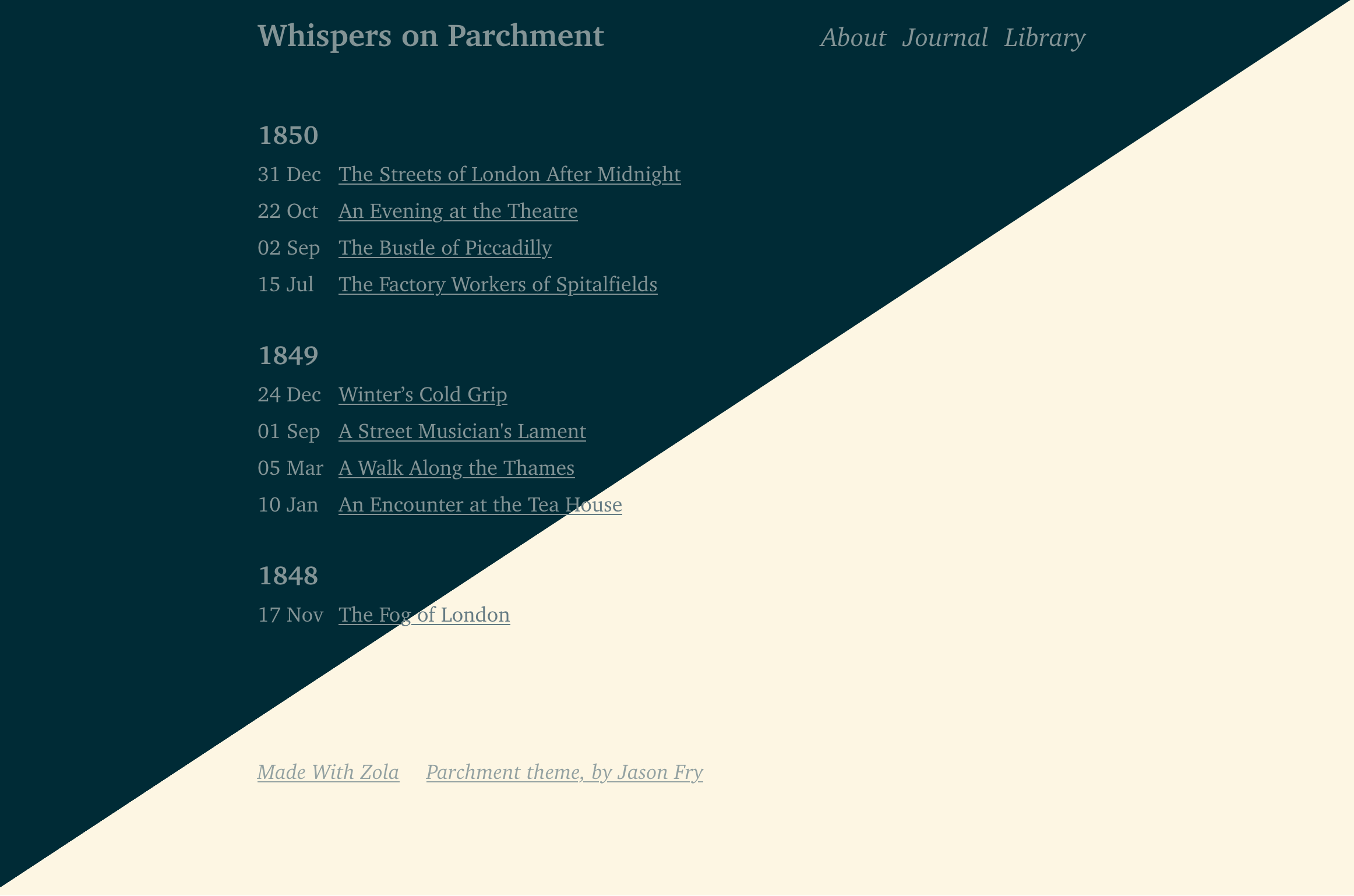
一个用于静态站点生成器 Zola 的网站主题。
编写旨在产生干净、语义化、易于阅读的 HTML 和 CSS。目的是让新手按下 F12 就能理解发生了什么。没有 div 汤,没有 javascript,没有第三方框架。
用于 jasonfry.co.uk。
演示可在 whispers-on-parchment.jasonfry.co.uk 获得
首先将此主题下载到你的 themes 目录:
cd themes
git clone https://github.com/jsonfry/parchment.git
然后在你的 config.toml 中启用它:
theme = "parchment"不支持分类法。
你可以自定义以下内容:
<head>(例如 favicons),你自己的 CSS。在 templates/index.html 中创建一个如下文件。
如果你不想包含默认 CSS,则删除 {{ super() }} 这一行
{%/* extends "parchment/templates/index.html" */%}

{%/* block head */%}
    {{ super() }}
    <link rel="apple-touch-icon" sizes="180x180" href="/apple-touch-icon.png" />
    <link rel="icon" type="image/png" sizes="32x32" href="/favicon-32x32.png" />
    <link rel="icon" type="image/png" sizes="16x16" href="/favicon-16x16.png" />
    <link rel="manifest" href="/site.webmanifest" />

    <style>
        body {
            font-family: "Comic Sans MS", "Comic Sans", cursive;
        }
    </style>
{%/* endblock head */%}

{%/* block footer */%}
    <p>由人类创建</p>
    {%/* if config.generate_feeds */%}
    <p>
        <a href="/atom.xml" title="subscribe - rss feed">
            rss
        </a>
    </p>
    {%/* endif */%}
{%/* endblock footer */%}

{%/* block body_end */%}
    <script
      src="https://tinylytics.app/embed/your-code.js"
      defer
    ></script>
{%/* endblock body_end */%}配色方案基于 Solarized,并包含暗色和亮色主题,将遵循浏览器/操作系统设置。颜色通过 CSS 变量设置,你可以通过在 head 块中设置你自己的 CSS 来覆盖它们(或以任何你设置 CSS 的方式)。
    :root {
        --background: white;
        --background-highlights: white;
        --primary: black;
        --secondary: blue;
    }

    @media (prefers-color-scheme: dark) {
        :root {
            --background: black;
            --background-highlights: black;
            --primary: white;
            --secondary: cyan;
        }
}以下可选内容可在 config.toml 文件中设置。
[extra]
 head_title = "My Custom <head> Title"
 [[extra.footer_menu]]
    [[extra.footer_menu.links]]
      text = "Parchment theme, by Jason Fry"
      href = "https://jasonfry.co.uk"
    [[extra.footer_menu.links]]
      text = "Made With Zola"
href = "https://getzola.org"有一个块可以在文章底部出现的导航后添加内容。
templates/page.html
{%/* extends "parchment/templates/page.html" */%}

{%/* block after_post_nav */%}
    <p>Reply via email - my first name @ my website address</p>
{%/* endblock after_post_nav */%}一切都使用 CSS REM 设置,所以只需使用 CSS 更改 HTML 元素的字体大小:
html { font-size: 32px; }