
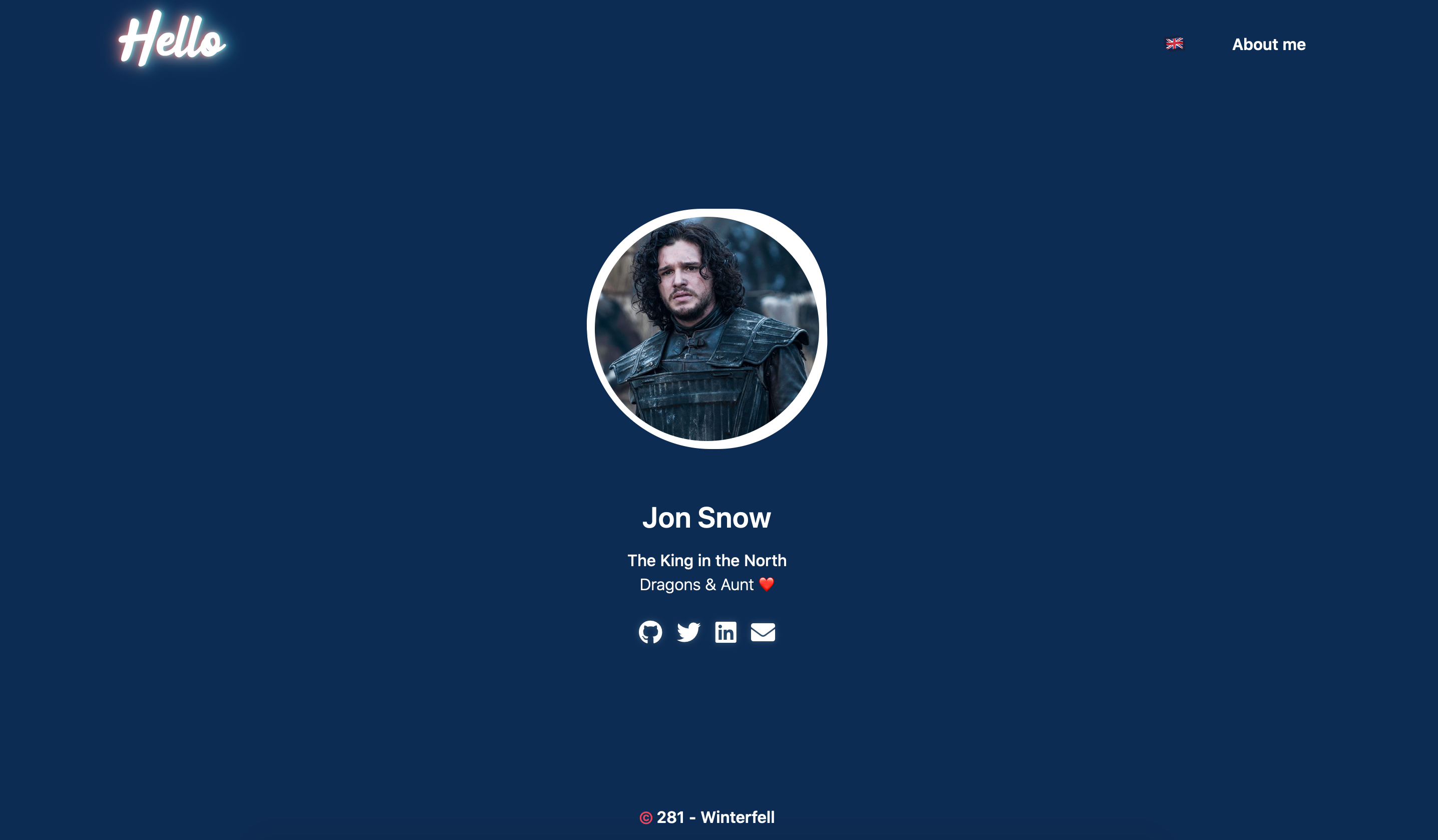
在线演示 : https://netoun.github.io/ntun/
首先将此主题下载到你的 themes 目录:
cd themes
git clone https://github.com/netoun/ntun.git
然后在你的 config.toml 中启用它:
theme = "ntun"此主题需要 about 中的索引部分(content/about/_index.md)。
因此,文章应直接位于 content about 文件夹下。
在 extra 中设置一个键为 after_dark_menu 的字段:
[extra]
author = "Jon Snow"
author_image="me.jpg"
city="Winterfell"
years="281"

job = "King of the north"
description = "Dragons & Aunt ❤️"

links = [
    { url = "", title="", icon = "fab fa-github"},
    { url = "", title="", icon = "fab fa-twitter"},
    { url = "", title="", icon = "fab fa-linkedin"},
    { url = "mailto:", title="", icon = "fas fa-envelope"}
]

# 如果你添加语言,请在数组中放入你的 emoji 旗帜
languages_flags = [
    "🇬🇧"
]
如果你在 url 中放入 $BASE_URL,它会自动被替换为实际的站点 URL。