
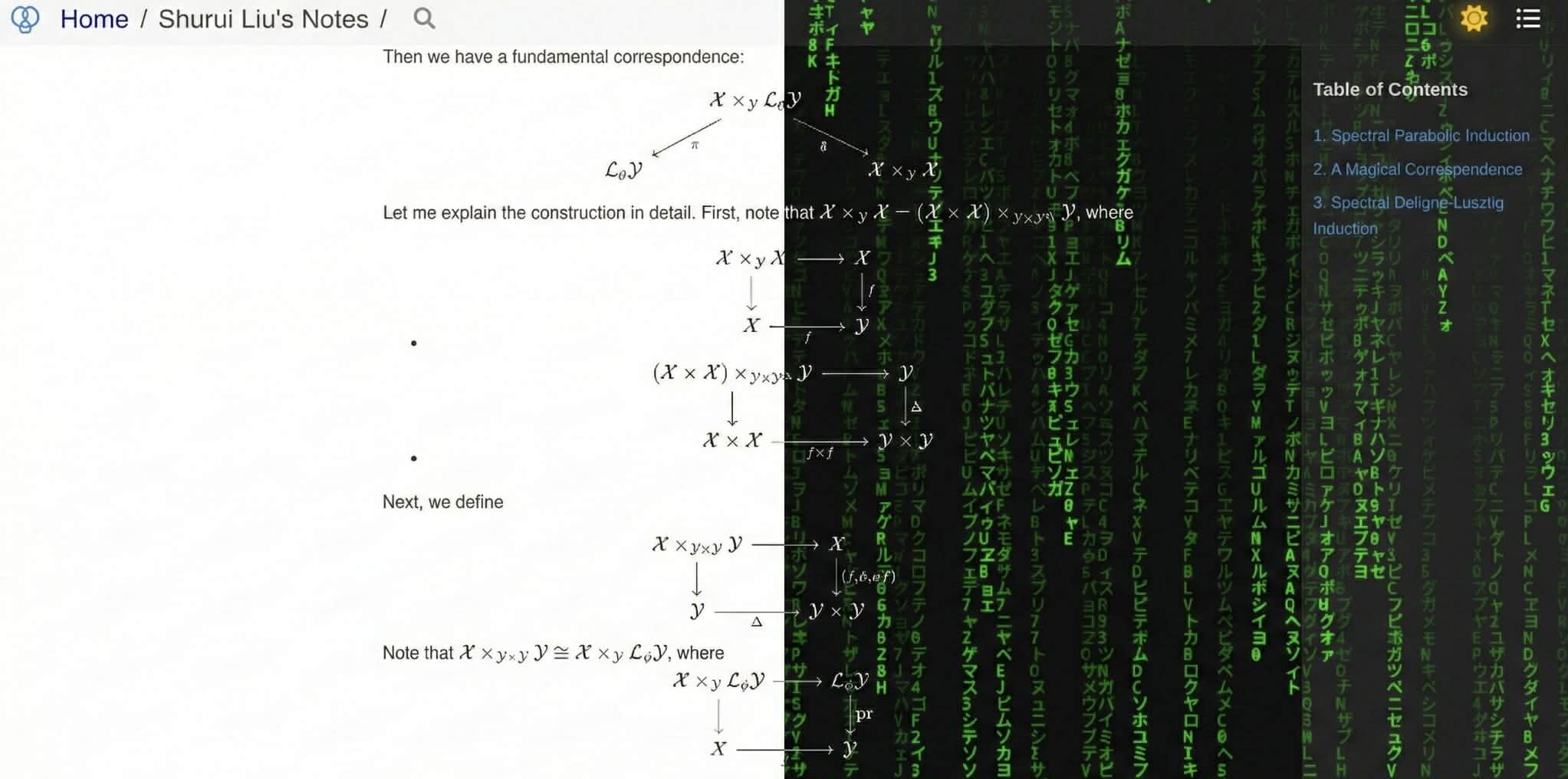
一个适用于个人笔记或章节书的 Zola 主题。基于 Vincent Prouillet 的 Book,并受到 Dongryul Kim 的 Olivine 启发。
Live Demo: https://srliu3264.github.io/MATbook-live-demo
功能
目录
安装
配置
用法
安装请参考 Zola 文档:installing and using themes。
theme = "MATbook"
build_search_index = true默认情况下,MATbook 会在左侧菜单为章节与页面编号。
你可以在 extra.booktheme 中设置 book_number_chapters 关闭:
book_number_chapters = false默认情况下,MATbook 会列出当前分区中的所有页面。
你可以在 extra.booktheme 中设置 book_only_current_section_pages 关闭:
book_only_current_section_pages = false注意:如果你想使用快捷键 v 进行切换,需要关闭该项。
若书中需要数学公式与 tikzcd 图,请在 extra 中启用 mathjax 与 tikzjax:
tikzjax = true
mathjax = true你需要设置两类路径:
首先,在 [extra] 中确保 upload_prefix 指向你存放图片的目录路径。
For example, if you put all your images in folder /static/upload, then you should set
upload_prefix = "/upload"其次,配置 [extra.booktheme] 中的 Home 链接:
home_url="https://shurui.people.stanford.edu/"它可以指向你的主页,或用于汇总所有书籍链接的导览/目录页(这样可用该主题组织多本书)。
title = "Shurui Liu's Coding Notes"
description = "Personal Notes"
base_url = "https://web.stanford.edu/~srliu/Notes"
theme = "MATbook"

compile_sass = true
taxonomies = [
  { name = "tags", paginate_by = 10, rss = true }
]
build_search_index = true

[markdown]
highlight_code = true
highlight_theme = "css"
external_links_target_blank = true
smart_punctuation = true

[extra]
upload_prefix = "https://web.stanford.edu/~srliu/Notes/upload"
tikzjax = true
mathjax = true

[extra.booktheme]
book_number_chapters = true
book_only_current_section_pages = false
home_url = "https://shurui.sites.stanford.edu/"和常规 Zola 项目一样,所有内容应放在 /content 目录。每个章节应是 /content 下的文件夹,内部包含各小节(Markdown 文件)。示例结构如下:
.
├── chapter1
│   ├── _index.md
│   ├── section1.md
│   └── section2.md
├── chapter2
│   ├── _index.md
│   └── section1.md
├── chapter3
│   ├── _index.md
│   ├── section1.md
│   ├── section2.md
│   └── section3.md
└── _index.md
在 /content 目录下应有一个 _index.md,用于书名与欢迎/前言信息。在其 front matter 中应设置 sort_by = "weight",以手动控制章节顺序(笔记场景也可按 slug 或 date 排序)。
每个章节(文件夹)都必须有 _index.md。应将 front matter 中的 weight 设为章节序号,并设置 sort_by = "weight"。
然后在每个章节(文件夹)中,每个小节应为一个 page,并将 weight 设为该小节序号。
如果你不想显示书籍或某章节的欢迎/前言页,可在对应 _index.md 中使用 redirect_to。
You can write a shell scripts to automate creating new chapters or new notes. For example, you can consult my zshconfig project on my github (If you can not see it, probably it is bacasue I currently make it private. You can email me for access.)
在浏览器中可随时输入 ? 打开/关闭帮助页,查看快捷键提示。
快捷键规则受 Vim、Zathura 与 Olivine 启发。
快捷键列表可能持续扩展,这里不逐一列出。你可通过 ? 帮助页,或直接查看 hotkeys.js 了解现有功能。
快捷键 i 可进入 MATRIX 待机模式(灵感来自 cmatrix)。由于 MAT 同时可指 matrix 与 math,项目名也由此而来。