
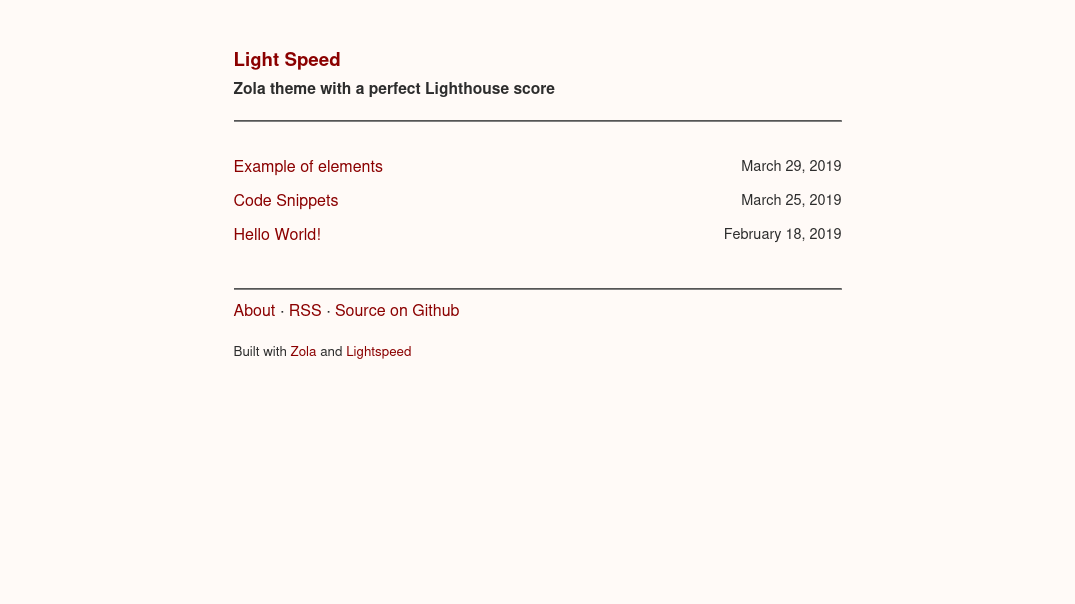
一个小型 Zola 主题,移植自 Light Speed Jekyll。
演示: carpetscheme.github.io/lightspeed
下载此主题到你的 themes 目录:
$ cd themes
$ git clone https://github.com/carpetscheme/lightspeed.git
然后在你的 config.toml 中启用它:
theme = "lightspeed"文章应直接放置在 content 文件夹中。
要按日期排序文章索引,请在索引部分 content/_index.md 中启用排序:
sort_by = "date"在配置中设置标题和描述以出现在站点页眉中:
title = "Different strokes"
description = "for different folks"
在 extra 中设置一个键为 footer_links 的字段:
[extra]

footer_links = [
    {url = "$BASE_URL/about", name = "About"},
    {url = "$BASE_URL/atom.xml", name = "RSS"},
    {url = "https://example.com", name = "Example"},
]
通过将页面放置在 content 目录的子文件夹中并在 Front Matter 中指定路径来创建页面,例如 $BASE_URL/about:
path = "about"可以通过 footer_credits 选项禁用页脚对 Zola 和 Lightspeed 的致谢。
样式从 sass 编译并内联导入到页眉中。
你可以通过在配置中启用 sass 编译来覆盖样式:
compile_sass = true并将替换的 style.scss 文件放置在你的 sass 文件夹中。
此模板基于 Bradley Taunt 的 Jekyll 模板 Light Speed Jekyll。
根据 MIT 许可证 开源。
本项目开源,但在 content 中找到的示例文章除外。