
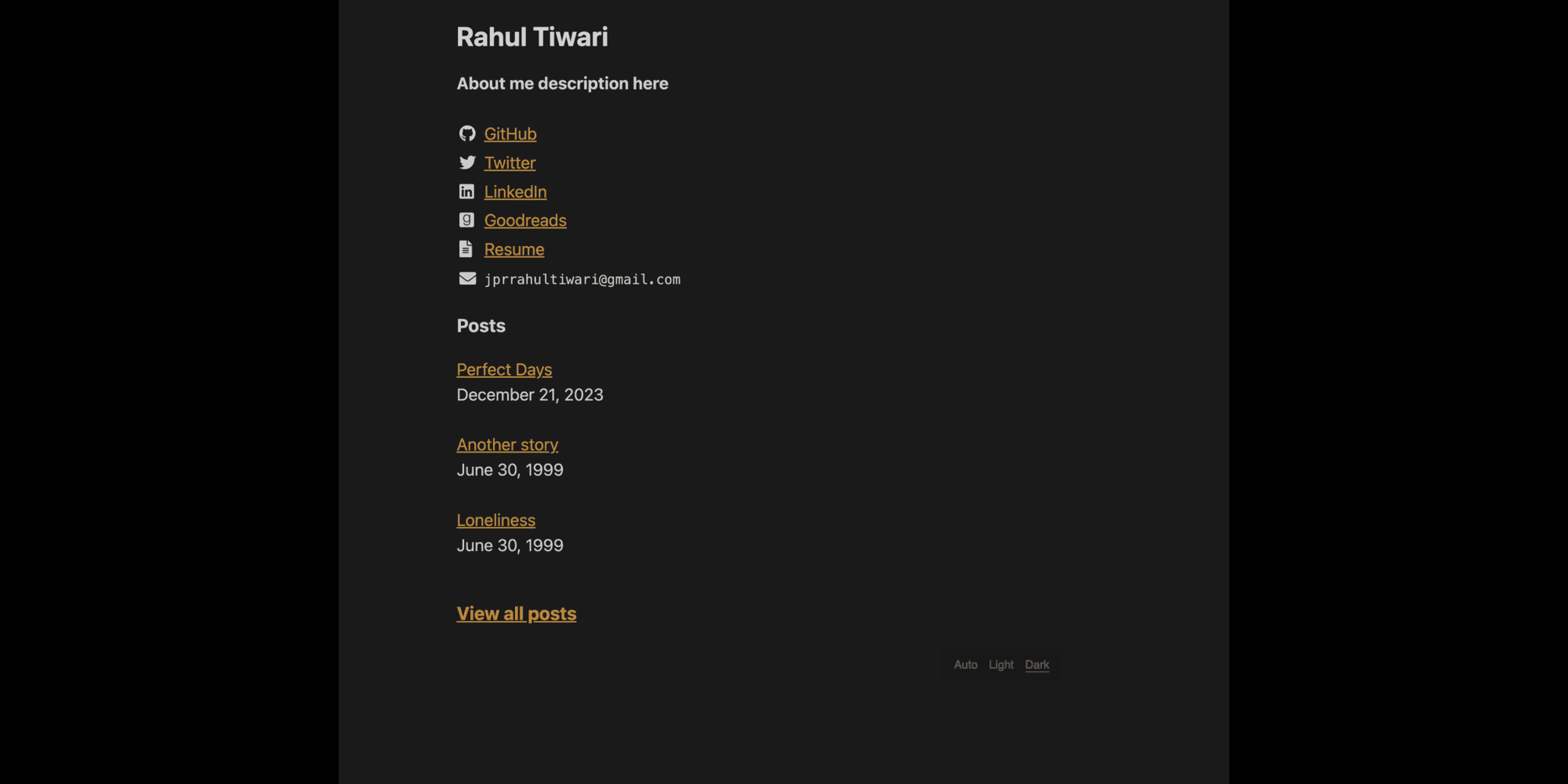
lekhz 是一个适用于 Zola 的简洁、极简且快速的个人网站模板。 从 Hugo 主题 lekh 移植而来。
如果你还没有站点,请先创建一个新的 Zola 站点。
zola init my-site
cd my-site
git init
将主题作为子模块添加:
git submodule add https://github.com/ba11b0y/lekhz.git themes/lekhzOR
克隆主题
cd themes
git clone https://github.com/ba11b0y/lekhz.git
然后在 config.toml 中启用:
theme = "lekhz"开始使用前,将 content 文件夹内容复制到你的新站点。
cp -r themes/lekhz/content/* content/在 config.toml 的 [extra] 区块中添加以下配置:
[extra]
lekhz_name = "Rahul Tiwari"
lekhz_about = "About me description here"
lekhz_email = "[email protected]"
lekhz_resume = "resume.pdf"
lekhz_post_limit = 3
lekhz_goatcounter_code = ""
# Example profiles configuration
lekhz_profiles = [
    { name = "GitHub", url = "https://github.com/ba11b0y" },
    { name = "Twitter", url = "https://x.com/ba11b0y" },
    { name = "LinkedIn", url = "https://www.linkedin.com/in/ba11b0y/" },
    { name = "Goodreads", url = "https://www.goodreads.com/user/show/91520565-rahul-tiwari"}
]