

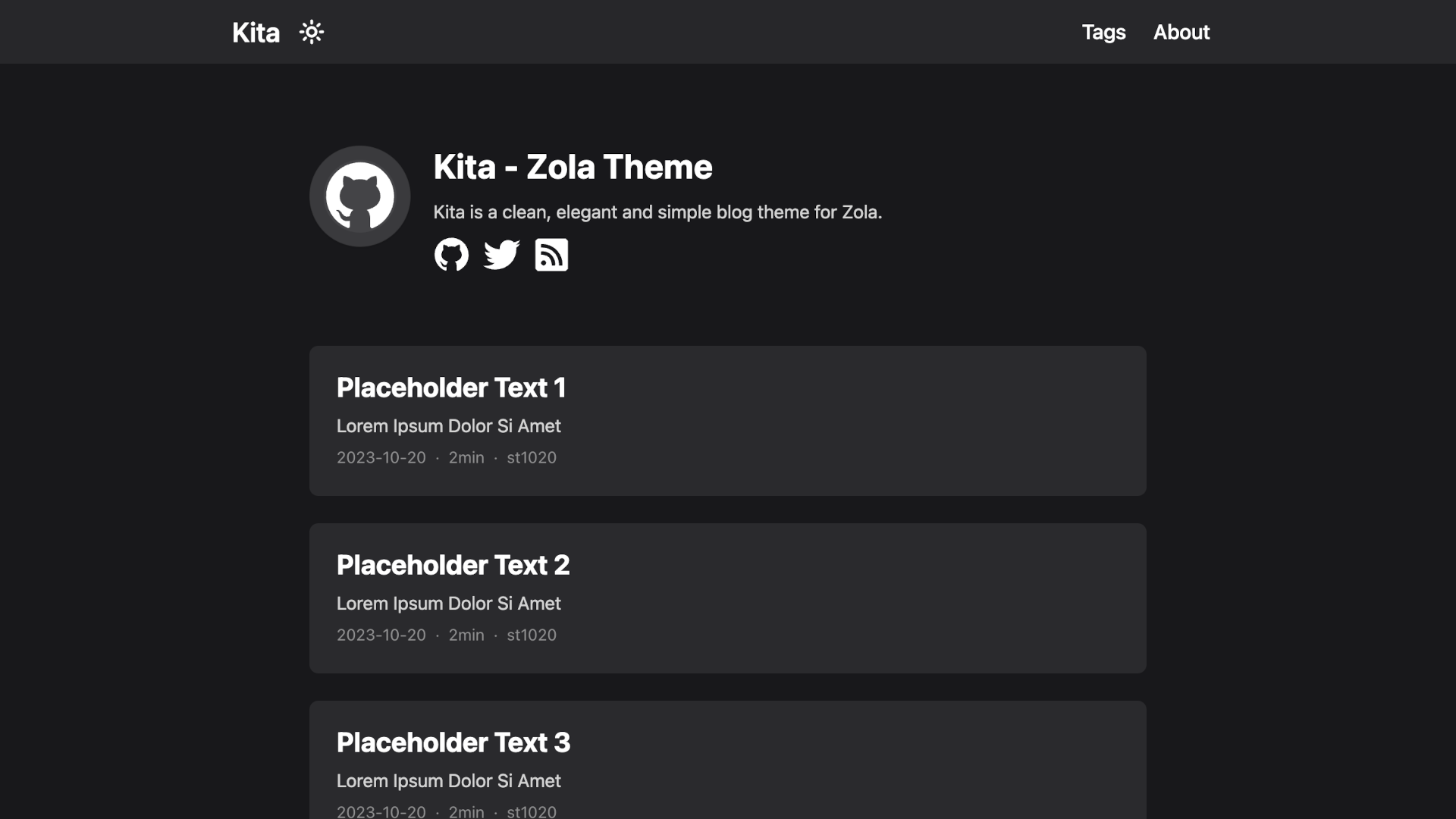
Kita 是一个干净、优雅且简单的 Zola 博客主题。
此主题基于 Hugo 主题 hugo-paper,并添加了一些功能。
安装此主题最简单的方法是将此仓库克隆到 themes 目录:
git clone https://github.com/st1020/kita.git themes/kita或者作为子模块使用:
git submodule add https://github.com/st1020/kita.git themes/kita然后在 config.toml 中将 kita 设置为你的主题。
theme = "kita"请参阅 config.toml 中的 extra 部分作为示例。
你可以轻松使用注入在你的站点添加新功能,而无需修改主题本身。
要使用注入,你需要将一些 HTML 文件添加到 templates/injects 目录。
可用的注入点有:head, header_nav, body_start, body_end, page_start, page_end, footer, page_info。
例如,要加载自定义脚本,你可以添加一个 templates/injects/head.html 文件:
<script src="js-file-path-or-cdn-url.js"></script>Copyright (c) 2023-present, st1020