
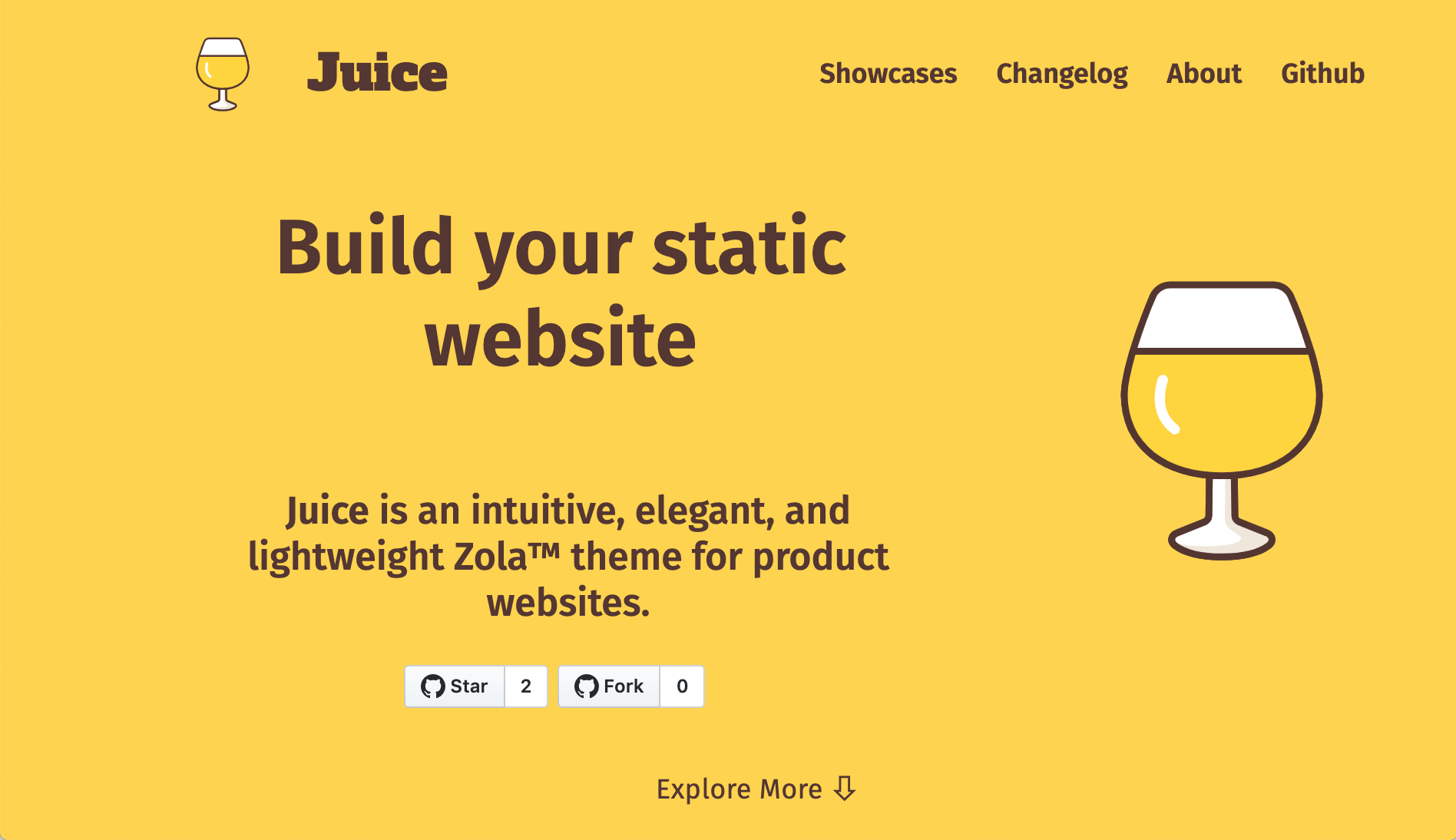

Juice 是一个直观、优雅且响应式的 Zola 主题,适用于产品网站。
https://juice.huhu.io
首先将此主题下载到你的 themes 目录:
$ cd themes
$ git clone https://github.com/huhu/juice.git
或作为子模块添加
$ git submodule add https://github.com/huhu/juice themes/juice然后在你的 config.toml 中启用它:
theme = "juice"Juice 专为产品网站设计,因此我们让 hero 部分填满整个屏幕。
你可以通过在 templates/index.html 中使用 hero 块来自定义你的 hero。
{%/* extends "juice/templates/index.html" */%}
{%/* block hero */%}
    <div>
        Your cool hero html...
    </div>
{%/* endblock hero */%}位于 content 目录中的每个 markdown 文件都将成为一个 页面。右上角也会显示一个导航链接。
你可以更改 Front Matter 的 weight 值来对顺序进行排序(升序)。
+++
title = "Changelog"
description = "Changelog"
weight = 2
+++
你可以通过在 templates 目录中创建一个名为 _variables.html 的文件来覆盖主题变量。
在 这里 查看默认值。
与更改 templates/index.html 中的 hero 块相同,你可以更改 Favicon。
{%/* extends "juice/templates/index.html" */%}
{%/* block favicon */%}
    <link rel="icon" type="image/png" href="/favicon.ico">
{%/* endblock favicon */%}如果你更改了 _variables.html 中的 --xy-font-family 变量,你必须在 templates/index.html 中加载提到的字体。
{%/* extends "juice/templates/index.html" */%}
{%/* block fonts */%}
    <link href="https://cdn.jsdelivr.net/npm/[email protected]/css/fork-awesome.min.css" rel="stylesheet" crossorigin="anonymous">
    <link href="https://fonts.googleapis.com/css2?family=Babylonica&display=swap" rel="stylesheet">
{%/* endblock fonts */%}你可以在 config.toml 文件中自定义一些内置属性:
[extra]
juice_logo_name = "Juice"
juice_logo_path = "juice.svg"
juice_extra_menu = [
    { title = "Github", link = "https://github.com/huhu/juice"}
]
juice_exclude_menu = [
    "exclude_from_nav"
]
repository_url = "https://github.com/huhu/juice"Juice 在 templates/shortcodes 目录中有一些可用的内置短代码。
issue(id) - 一个渲染 issue url 的短代码,例如 issue(id=1) 将渲染为链接 https://github.com/huhu/juice/issue/1。
repository_url是必需的。
请查看 展示页面。
非常感谢你考虑为这个项目做贡献!
我们感谢任何形式的贡献: