
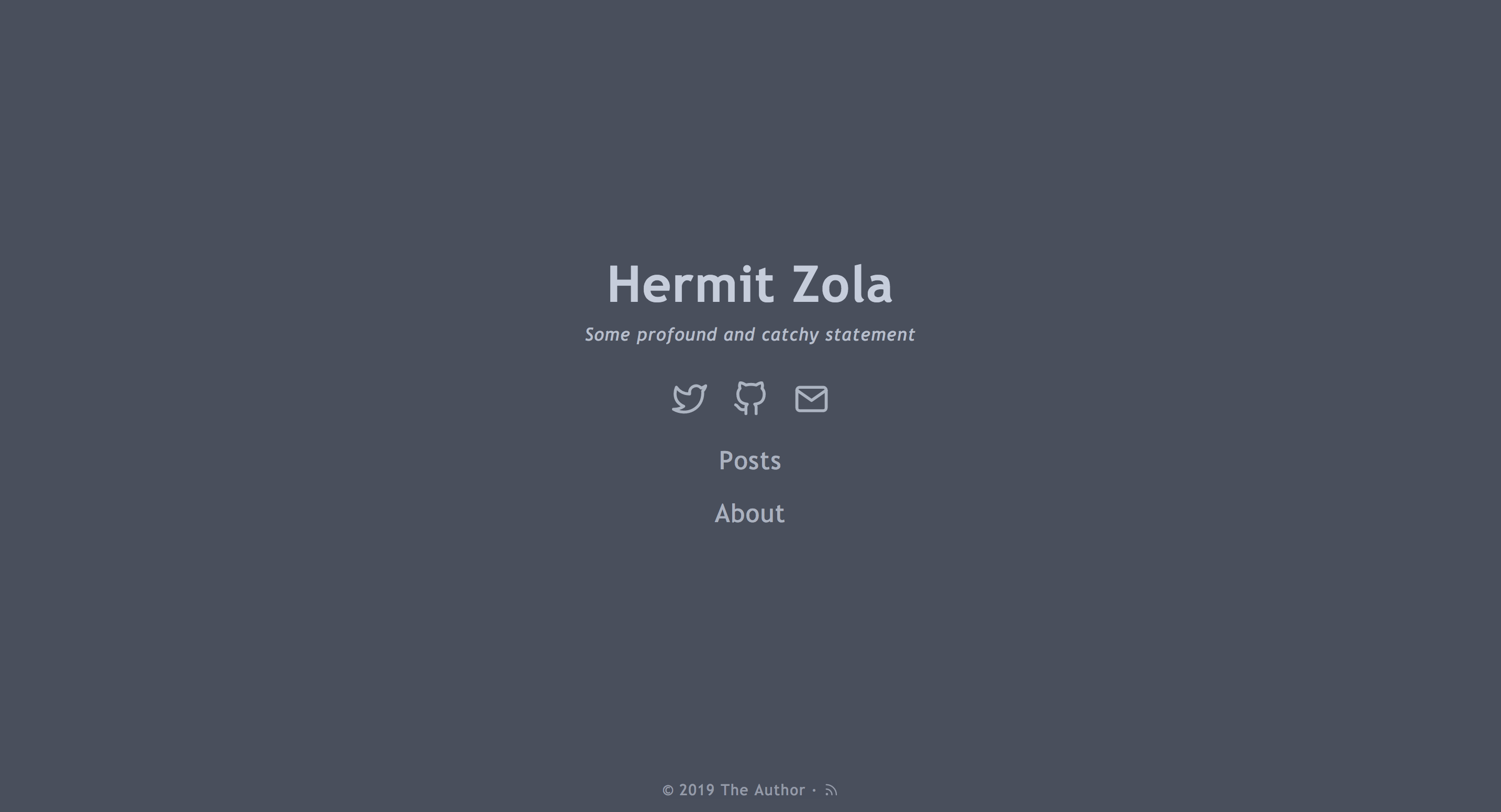

这是 Hermit theme 的 Zola 移植版
Hermit 是一个极简且快速的 Zola 博客主题。
首先将此主题下载到你的 themes 目录:
$ cd themes
$ git clone https://github.com/VersBinarii/hermit_zola
然后在你的 config.toml 中启用它:
theme = "hermit_zola"[extra]
home_subtitle = "一些深刻且朗朗上口的陈述"
footer_copyright = ' · <a href="https://creativecommons.org/licenses/by-nc/4.0/" target="_blank" rel="noopener">CC BY-NC 4.0</a>'
hermit_menu = [
{ link = "/posts", name = "Posts" },
{ link = "/about", name = "About" }
]
hermit_social = [
{ name = "twitter", link = "https://twitter.com" },
{ name = "github", link = "https://github.com" },
{ name = "email", link = "mailto:[email protected]" }
]
[extra.highlightjs]
enable = true
clipboard = true
theme = "vs2015"
[extra.disqus]
enable = false
# 从你的 Disqus 账户获取
shortname = "my-supa-dupa-blog"
[extra.author]
name = "The Author"
email = "[email protected]"
[extra.google_analytics]
enable = false
id = "UA-4XXXXXXX-X"可以通过添加以下内容启用目录:
+++
[extra]
toc=true
+++
到页面的 Front Matter。然后图标将出现在页面标题上方,允许切换目录。
感谢 Track3 创作了原作!