
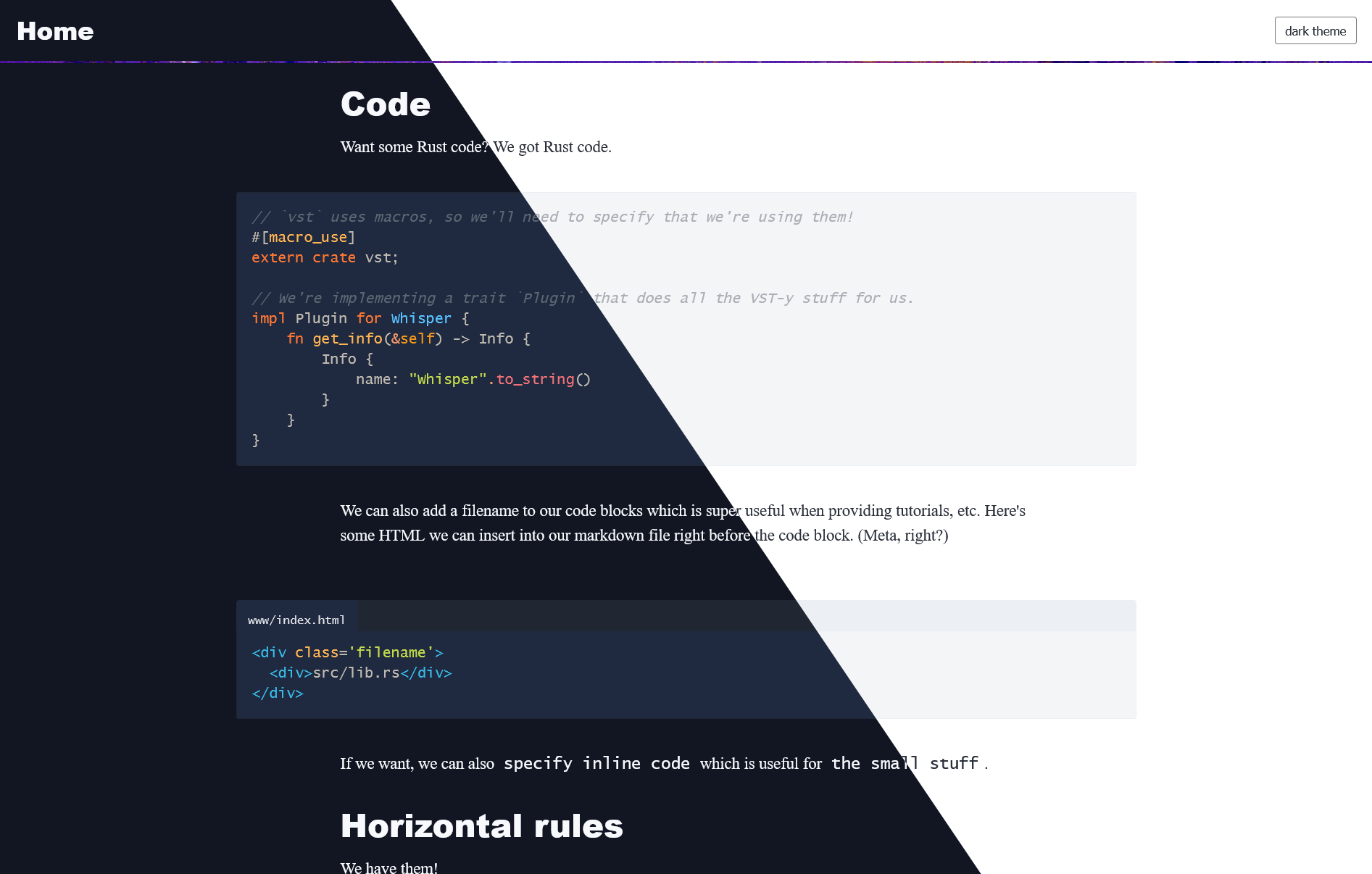
一个适用于 Zola 的轻量级博客主题(据我所知,这是专门为 Zola 创建的首批主题之一)。
Zola 允许主题在配置中定义 [extra] 变量。这里是主题变量的完整列表,附带示例值和注释。
# 你可能想要设置的常规变量...
title = "My site" # 否则,这将在导航中显示为 "Home"

[extra.feather]
# 指定要使用的主题,或使用系统偏好
# 如果设置,主题切换按钮将被隐藏
theme = "light"
head = "<script></script>" # 添加任何内容到 head
hide_nav_image = false # 隐藏导航图片
disqus_id = "my-site-com" # 如果你想要 disqus 评论,填写站点域名
cusdis_id = "12312-31231123-123123123" # 如果你使用 cusdis 评论服务,填写 id
social =  { url = "https://mastodon.social/@doomy", display = "@[email protected]" } # 在页面上显示的通用社交信息
timezone = "America/New_York" # 用于计算文章发布时间的时区

[extra.feather.analytics]
goatcounter_id = "mydomain-com" # 隐私优先的分析 https://www.goatcounter.com
对于每篇文章,这些选项可用:
[extra.feather.opengraph]
image = "my_image.jpg" # 假设资源共存
使用 feather 很简单。安装 Zola 并按照创建站点和使用主题的指南操作。然后,将 theme = "feather" 添加到你的 config.toml 文件中。
如果你打算将你的站点发布到 GitHub Pages,请查看 这篇教程。
你可以指定 tags 分类法。
因为 feather 附带了示例内容,你可以像任何 Zola 博客一样使用 zola serve 运行该主题。