
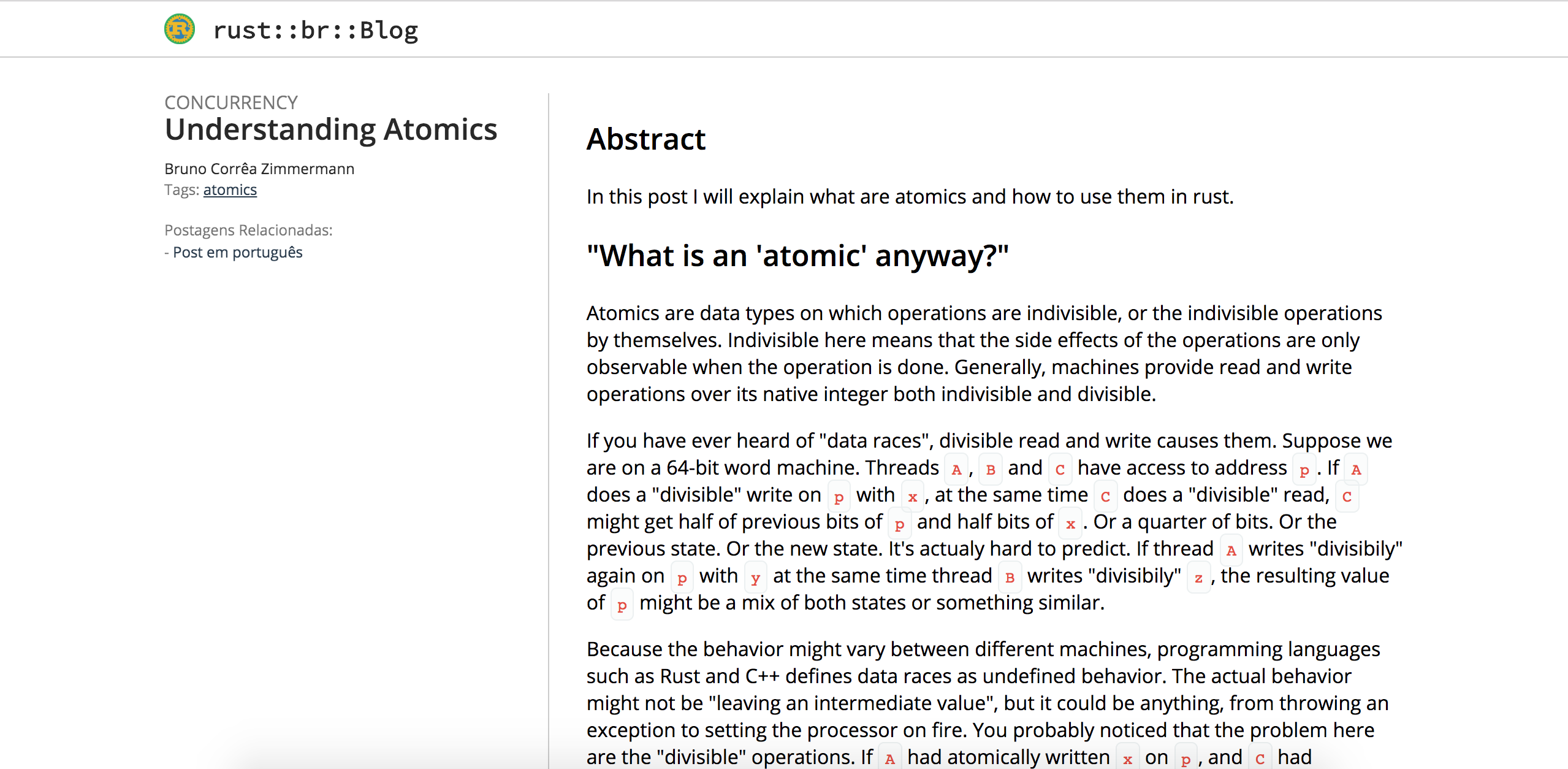

Gutenberg 的 Rust BR 博客模板
[extra]
blog_logo="/imgs/common/logo.png" #将出现在顶部标题
blog_title="rust::br::Blog" #将出现在 logo 后的顶部标题

## i18n 单词
label_tags = "Tags"
label_tag = "Tag"
label_categories = "Categorias"
label_category = "Categoria"
label_relative_posts = "Postagens Relacionadas"
label_next = "Próxima"
label_previous = "Anterior"
label_page = "Página"
label_of = "de"
label_minutes = "minutos"

og_image="" # 将出现在社交媒体上的图片
og_alt_image="" # og_image 的替代文本
og_site_name="" # Open Graphic 的站点名称
keywords="" # SEO 关键词

educational_use="knowledge share" # 可选
copyright_year="2018" # 可选

fb_app_id="???" # 可选,Facebook App Id 以帮助指标
twitter_username="@???" # 可选,Twitter 用户以帮助指标

## 侧边栏自动链接
sidebar = [
    {name = "Social", urls=[
        {name="Telegram", url="https://t.me/rustlangbr"},
        {name="Github", url="https://github.com/rust-br"},
    ]},
    {name = "Divida Conhecimento!", urls=[
        {name="Contribuir!", url="https://rust-br.github.io/blog/hello-world"}
    ]}
]
此配置与我们在 RustBR 博客 上使用的配置相同
默认情况下,Dinkleberg 等待你在 static 的根目录下拥有所有图标,你可以使用网站 https://www.favicon-generator.org/ 生成该包并将其放入你的 /static 中 :D