
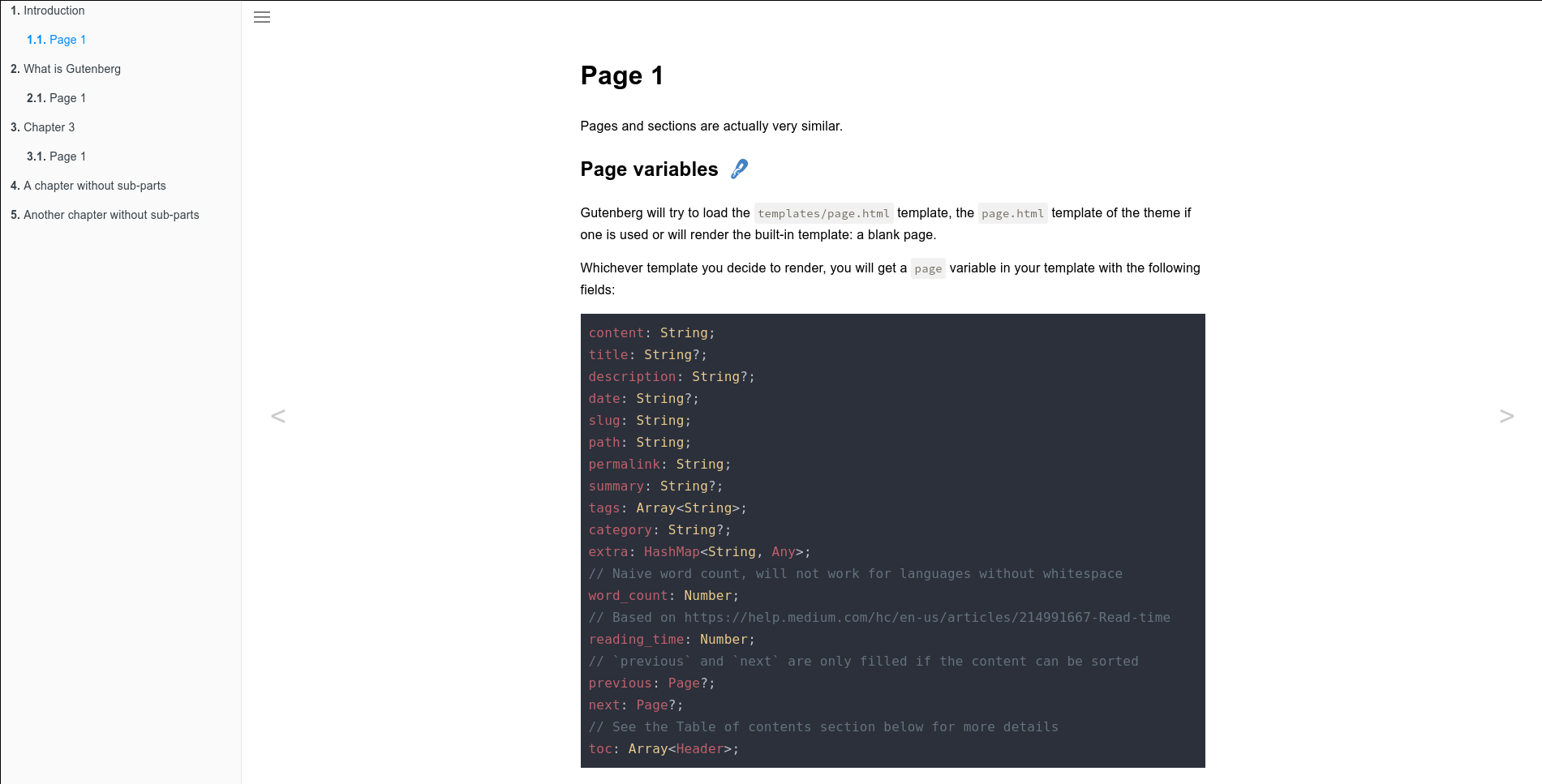
一个基于 Gitbook 的主题,用于编写文档或书籍。
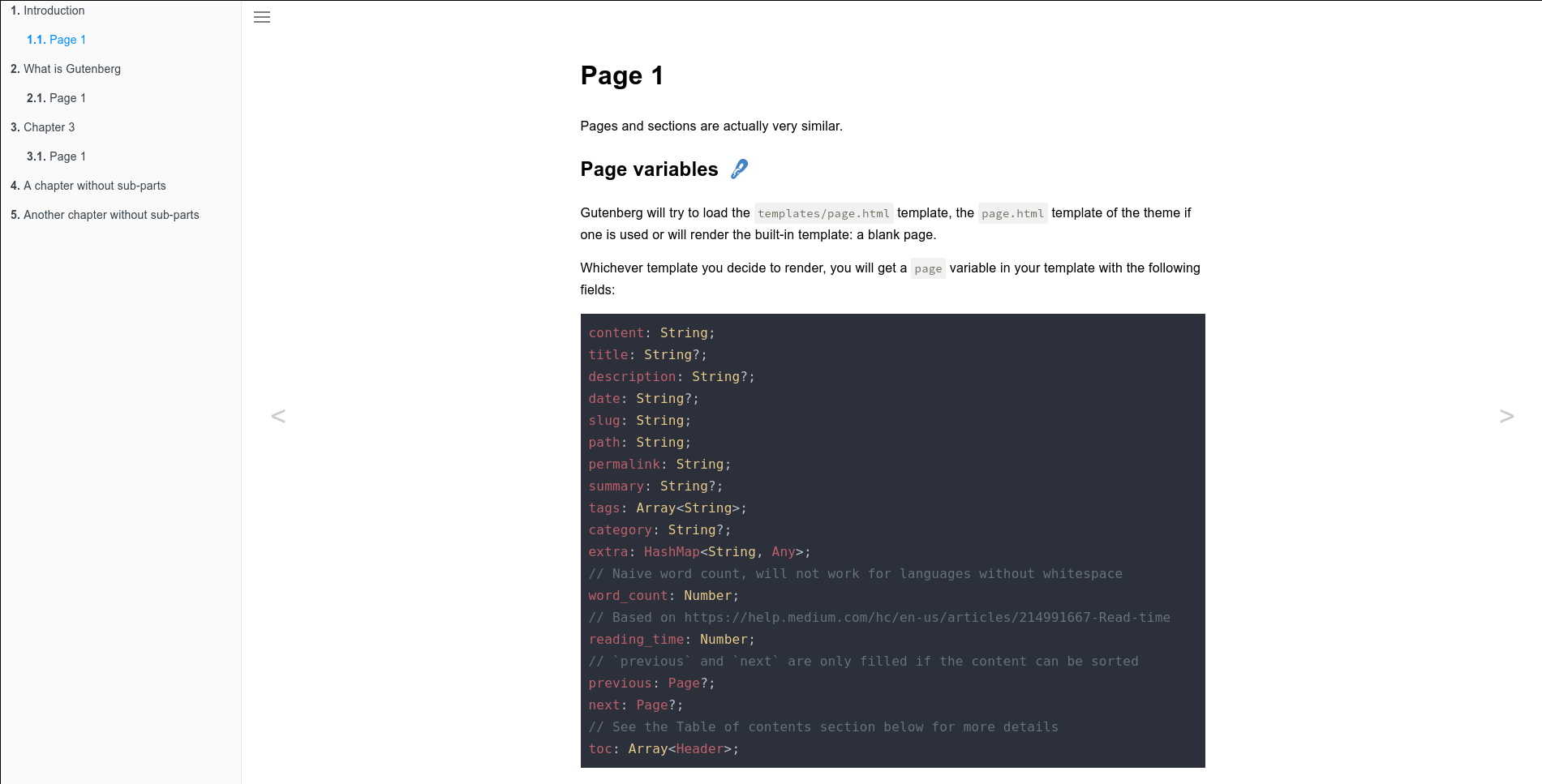
演示: https://getzola.github.io/book/
首先将此主题下载到你的 themes 目录:
$ cd themes
$ git clone https://github.com/getzola/book.git
然后在你的 config.toml 中启用它:
theme = "book"
# 可选,如果你想要搜索
build_search_index = trueBook 将根据你放置在 content 目录中的文件生成一本书。你的书可以有两个层级:章和子章。
每一章应该是 Gutenberg 站点中的一个 section,并且应该有一个 _index.md 文件,其 weight Front Matter 变量设置为其章节号。例如,第 2 章应有 weight = 2。此外,每一章还应在 Front Matter 中设置 sort_by = "weight"。
每个子章应该是一个 page,其 weight 变量应设置为子章号。例如,子章 3.4 应有 weight = 4。
最后,你应该创建一个 _index.md 文件并设置 redirect_to Front Matter 变量以重定向到你内容的第一部分。例如,如果你的第一部分 slug 为 introduction,那么你应该设置 redirect_to = "introduction"。
默认情况下,book 主题将在左侧菜单中对章节和页面进行编号。
你可以通过在 extra 中设置 book_number_chapters 来禁用它:
[extra]
book_number_chapters = false默认情况下,book 主题将列出当前部分的所有页面。
你可以通过在 extra 中设置 book_only_current_section_pages 来禁用它:
[extra]
book_only_current_section_pages = false