
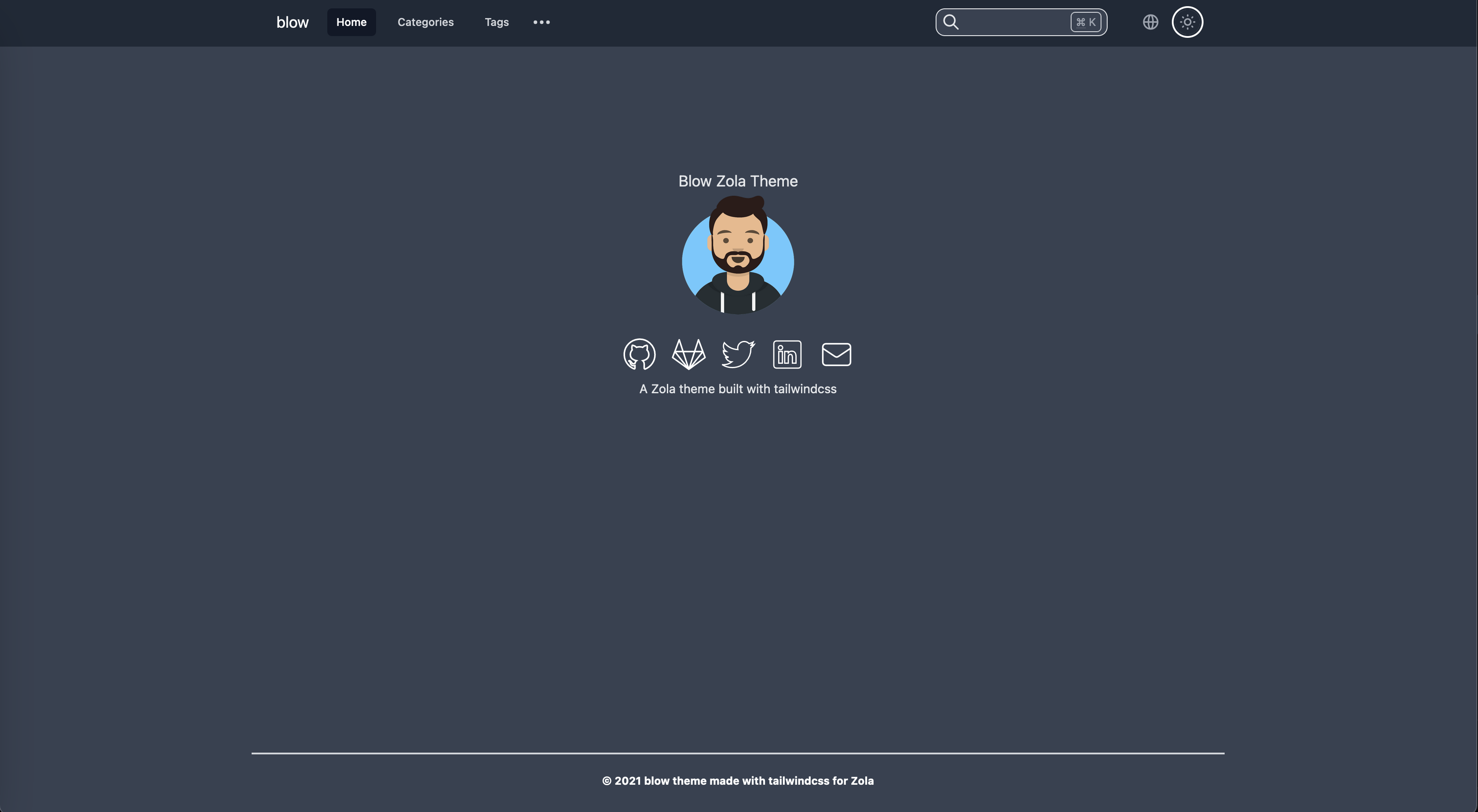
一个使用 tailwindcss 构建的 Zola 主题。
(WIP) 示例 : 这里
你应该遵循关于安装 Zola 主题的 官方文档。
我建议将主题添加为 git 子模块:
cd my-zola-website
git submodule add -b main [email protected]:tchartron/blow.git themes/blow
编辑你的 config.toml 文件中使用的主题
# 使用的站点主题。
theme = "blow"
然后编辑你的 config.toml 文件以覆盖主题的值:
[extra]
enable_search = true
enable_sidebar = true
enable_adsense = true
enable_multilingue = true
adsense_link = "https://pagead2.googlesyndication.com/pagead/js/adsbygoogle.js?client=myclientid"

[extra.lang]
items = [
    { lang = "en", links = [
        { base_url = "/", name = "English" },
        { base_url = "/fr", name = "French" },
    ] },
    { lang = "fr", links = [
        { base_url = "/", name = "Anglais" },
        { base_url = "/fr", name = "Français" },
    ] },
]

[extra.navbar]
items = [
    { lang = "en", links = [
        { url = "/", name = "Home" },
        { url = "/categories", name = "Categories" },
        { url = "/tags", name = "Tags" },
    ] },
    { lang = "fr", links = [
        { url = "/fr", name = "Accueil" },
        { url = "/fr/categories", name = "Categories" },
        { url = "/fr/tags", name = "Tags" },
    ] },
]
title = "title"

[extra.sidebar]
items = [
    { lang = "en", links = [
        { url = "/markdown", name = "Markdown" },
        { url = "/blog", name = "Blog" },
    ] },
    { lang = "fr", links = [
        { url = "/fr/markdown", name = "Markdown" },
        { url = "/fr/blog", name = "Blog" },
    ] },
]

# 首页
[extra.index]
title = "Main title"
image = "https://via.placeholder.com/200"
image_alt = "Placeholder text describing the index's image."

[extra.default_author]
name = "John Doe"
avatar = "https://via.placeholder.com/200"
avatar_alt = "Placeholder text describing the default author's avatar."

[extra.social]
codeberg = "https://codeberg.org/johndoe"
github = "https://github.com/johndoe"
gitlab = "https://gitlab.com/johndoe"
twitter = "https://twitter.com/johndoe"
mastodon = "https://social.somewhere.com/users/johndoe"
linkedin = "https://www.linkedin.com/in/john-doe-b1234567/"
stackoverflow = "https://stackoverflow.com/users/01234567/johndoe"
telegram = "https://t.me/johndoe"
email = "[email protected]"

[extra.favicon]
favicon = "/icons/favicon.ico"
favicon_16x16 = "/icons/favicon-16x16.png"
favicon_32x32 = "/icons/favicon-32x32.png"
apple_touch_icon = "/icons/apple-touch-icon.png"
android_chrome_512 = "/icons/android-chrome-512x512.png"
android_chrome_192 = "/icons/android-chrome-192x192.png"
manifest = "/icons/site.webmanifest"
你现在可以运行 zola serve 并访问 : http://127.0.0.1:1111/ 查看你的站点
Blow 利用了 Zola 代码高亮功能。
它支持根据用户选择的主题(暗色 / 亮色)设置不同的配色方案。
为了使用它,你应该在 这里 提供的列表中选择你想用于亮色和暗色主题的配色方案,并像此示例一样编辑你的 config.toml 文件:
highlight_theme = "css"

highlight_themes_css = [
  { theme = "ayu-dark", filename = "syntax-dark.css" },
  { theme = "ayu-light", filename = "syntax-light.css" },
]要覆盖默认页脚(版权声明),请按照 Zola 文档 中的描述,通过在你的 templates 目录中创建一个包含以下内容的 layout.html 来扩展主题的 layout.html 模板:
{%/* extends "blow/templates/layout.html" */%}

{%/* block content_footer */%}
Here is my own footer with a <a href="http://example.com">link</a>.
{%/* endblock */%}