
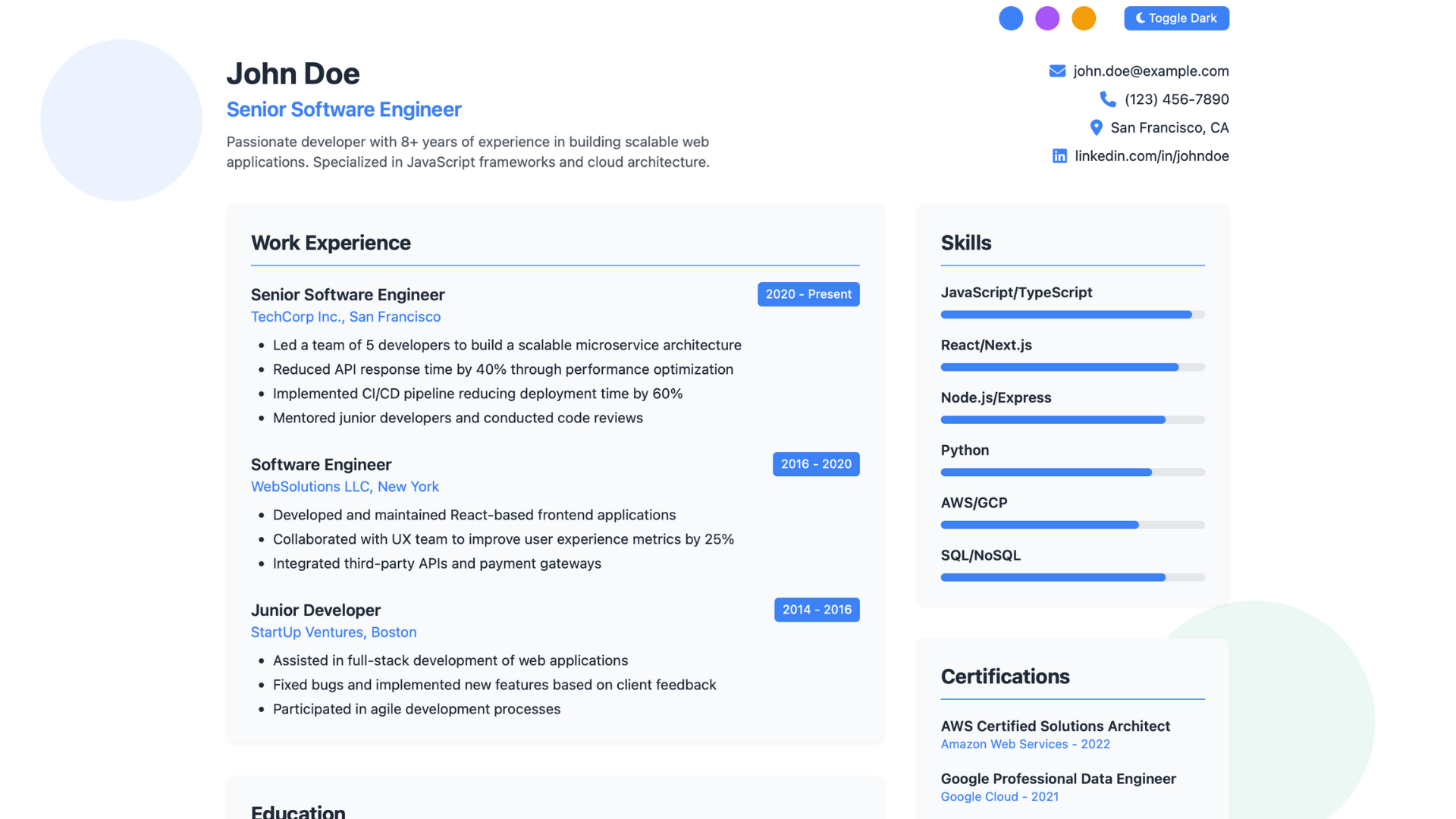
一个精美、现代、极简的单页简历站点
基于 Zola 构建,使用 Tailwind CSS 与 Font Awesome 进行样式设计。
“Bel” 在法语中意为“美丽”——这就是你的美丽简历!
BelResumé can be deployed for free using GitHub Pages or Vercel BelResumé 可免费部署到 GitHub Pages 或 Vercel。
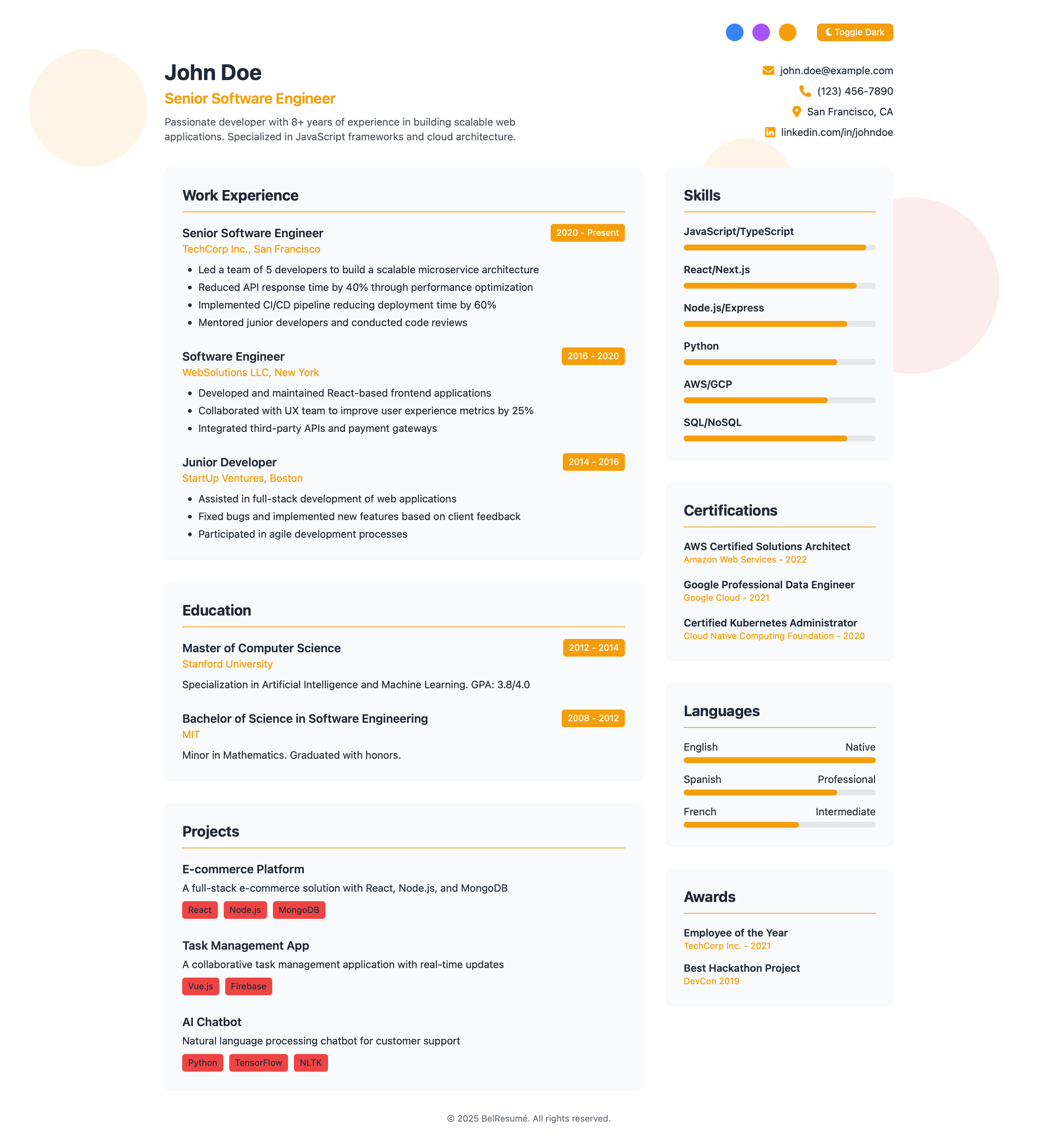
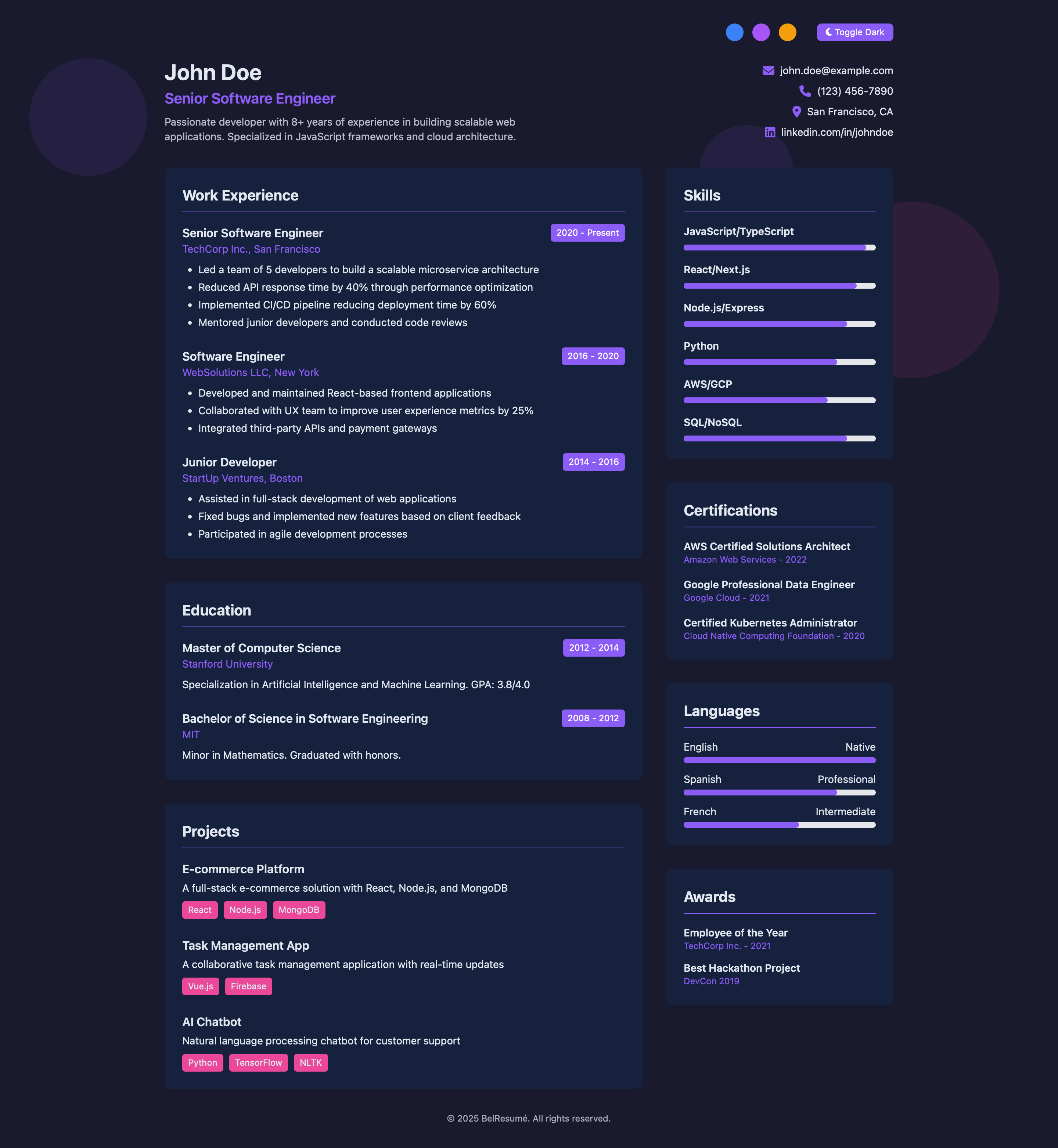
css/style.css, js/script.jsheader.html:姓名、职位、联系方式experience.html:工作经历(公司、角色、成果)education.html:学校、学位、专业方向projects.html:关键项目摘要与标签skills.html:技能进度条(可调宽度)certifications.html:证书名称 + 颁发机构 + 年份languages.html:语言能力(进度条与标签)awards.html:奖项名称 + 年份 + 颁发方安装 Zola:https://getzola.org/documentation/getting-started/installation/
克隆仓库:
git clone https://github.com/cx48/BelResume
cd BelResume本地运行:
zola serve对 partials/ 下 HTML 做必要修改后,访问 http://127.0.0.1:1111。
构建静态站点:
zola build所有输出文件位于 /public。
部署到 GitHub Pages
运行 Zola 构建:
zola build将 public/ 目录内容提交并推送到 gh-pages 分支
在 GitHub 仓库设置中,从 /public 目录或 gh-pages 分支启用 Pages
你的网站将发布在 https://yourusername.github.io/BelResume/
部署到 Vercel
登录 Vercel 并导入 GitHub 仓库
将 Build Command 设置为:
zola build将 Output Directory 设置为:
public将 Framework Preset 设置为 Other
点击 Deploy
每次推送后,Zola 会自动构建并从 public/ 目录提供内容。
更新简历时,只需打开 partials/ 下对应 HTML 文件并按需修改。
Update site-wide metadata:
title = "John Doe"
description = "Senior Software Engineer"
base_url = "https://yourdomain.com"Edit your name, role, email, phone, location, LinkedIn link. Example:
<h1 class="text-3xl font-bold">John Doe</h1>
<h2 class="text-xl text-[var(--primary)] font-semibold">Senior Software Engineer</h2>Replace job titles, companies, durations, and bullet points.
<h3 class="font-semibold">Senior Developer</h3>
<span>2020–Present</span>
<ul>
  <li>Improved system performance by 30%</li>
</ul>List your degrees, schools, GPA or honors:
<h3>Master of CS</h3>
<p>Stanford University — GPA: 3.9</p>List project names, stacks used, short descriptions.
<h3>E-commerce Platform</h3>
<span class="tag">React</span> <span class="tag">Node.js</span>Update skill bars by adjusting the width in style="width: 90%".
<h3>JavaScript</h3>
<div class="progress" style="width: 95%"></div>List certificates with name, organization, and date:
<h3>AWS Certified Architect</h3>
<p>Amazon – 2022</p>Change language names, levels, and progress widths:
<span>English</span> <span>Native</span>
<div style="width: 100%"></div>Highlight awards with name and source:
<h3>Best Hackathon Project</h3>
<p>DefCon 2025</p>如有反馈、问题,或只是想打个招呼:
欢迎 提交 issue 或直接联系。
联系方式请查看我的 GitHub 主页