
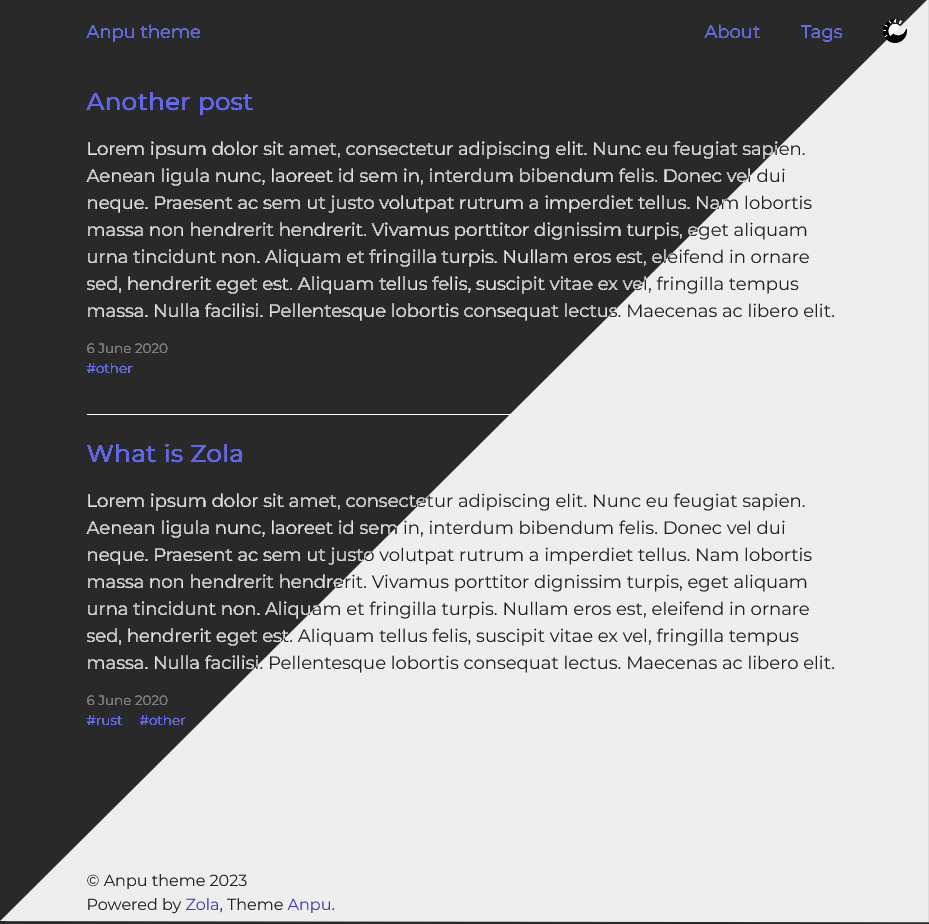
| 亮色模式 | 暗色模式 |
|---|---|
 |  |
为了使用该主题,你需要将此仓库克隆到你的 themes 文件夹中:
git clone https://github.com/zbrox/anpu-zola-theme.git themes/anpu然后在 config.toml 中将主题设置设置为 anpu:
theme = "anpu"此主题需要 tags 和 categories 分类法。
taxonomies = [
    { name = "categories" },
    { name = "tags" },
]你可以自定义两件事:
在你的 config.toml 的 [extra] 部分下,你需要设置 anpu_menu_links 列表。
示例:
[extra]
anpu_menu_links = [
    { url = "$BASE_URL/about/", name = "About" },
]
如果你在链接的 url 中包含 $BASE_URL,它将被替换为你站点的 base url。
在你的 config.toml 的 [extra] 部分下,你需要设置 anpu_date_format 值。
示例:
[extra]
anpu_date_format = "%e %B %Y"
格式化使用 Tera 中的标准 date 过滤器。你可以使用的日期格式选项列在 chrono crate 文档 中。
使用的图标是 UXWing 收藏的一部分。
源代码在 MIT 下可用。