
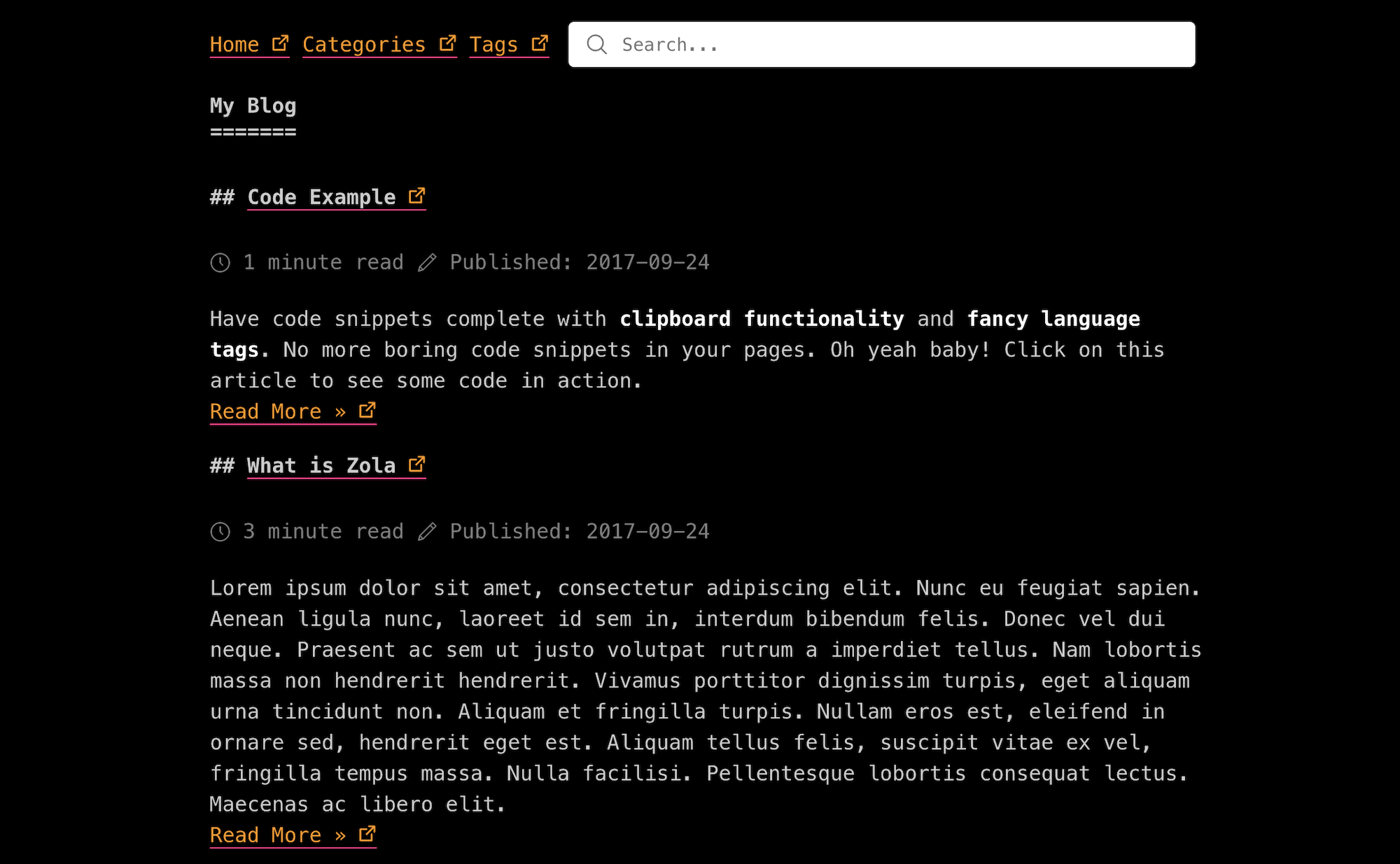
首先将此主题下载到你的 themes 目录:
cd themes
git clone https://github.com/getzola/after-dark.git
然后在你的 config.toml 中启用它:
theme = "after-dark"此主题需要你的索引部分(content/_index.md)分页才能工作:
paginate_by = 5因此,文章应直接位于 content 文件夹下。
主题需要在 config.toml 中启用 tags 和 categories 分类法:
taxonomies = [
    # 你可以启用/禁用 RSS
    {name = "categories", feed = true},
    {name = "tags", feed = true},
]
如果你想对分类法页面进行分页,你需要覆盖模板,因为默认情况下它只适用于非分页的分类法。
在 extra 中设置一个键为 after_dark_menu 的字段:
[extra]
after_dark_menu = [
    {url = "$BASE_URL", name = "Home"},
    {url = "$BASE_URL/categories", name = "Categories"},
    {url = "$BASE_URL/tags", name = "Tags"},
    {url = "https://google.com", name = "Google"},
]
如果你在 url 中放入 $BASE_URL,它会自动被替换为实际的站点 URL。
站点标题显示在首页上。因为它可能与配置中 title 字段代表的 <title> 元素不同,你可以设置 after_dark_title 来代替。
你可以在每页基础上或在配置文件中设置此项。
config.toml:
[extra]
author = "John Smith"
在页面中(包裹在 +++ 中):
title = "..."
date = 1970-01-01

[extra]
author = "John Smith"语法高亮:
[markdown]
# 是否进行语法高亮
# 可以通过将 `highlight_theme` 变量设置为 Zola 支持的主题来自定义主题
highlight_code = true

highlight_theme = "one-dark"
增强代码块(剪贴板支持和语言标签)
要启用增强代码块,请在你的 config.toml 中设置以下内容:
[extra]
codeblock = true要使用 MathJax 启用 LaTeX 支持,请在你的 config.toml 中设置以下内容:
[extra]
latex = true要在页面导航顶部启用搜索栏,请在你的 config.toml 中设置以下内容:
build_search_index = true

[search]
index_format = "elasticlunr_json"

[extra]
enable_search = true