
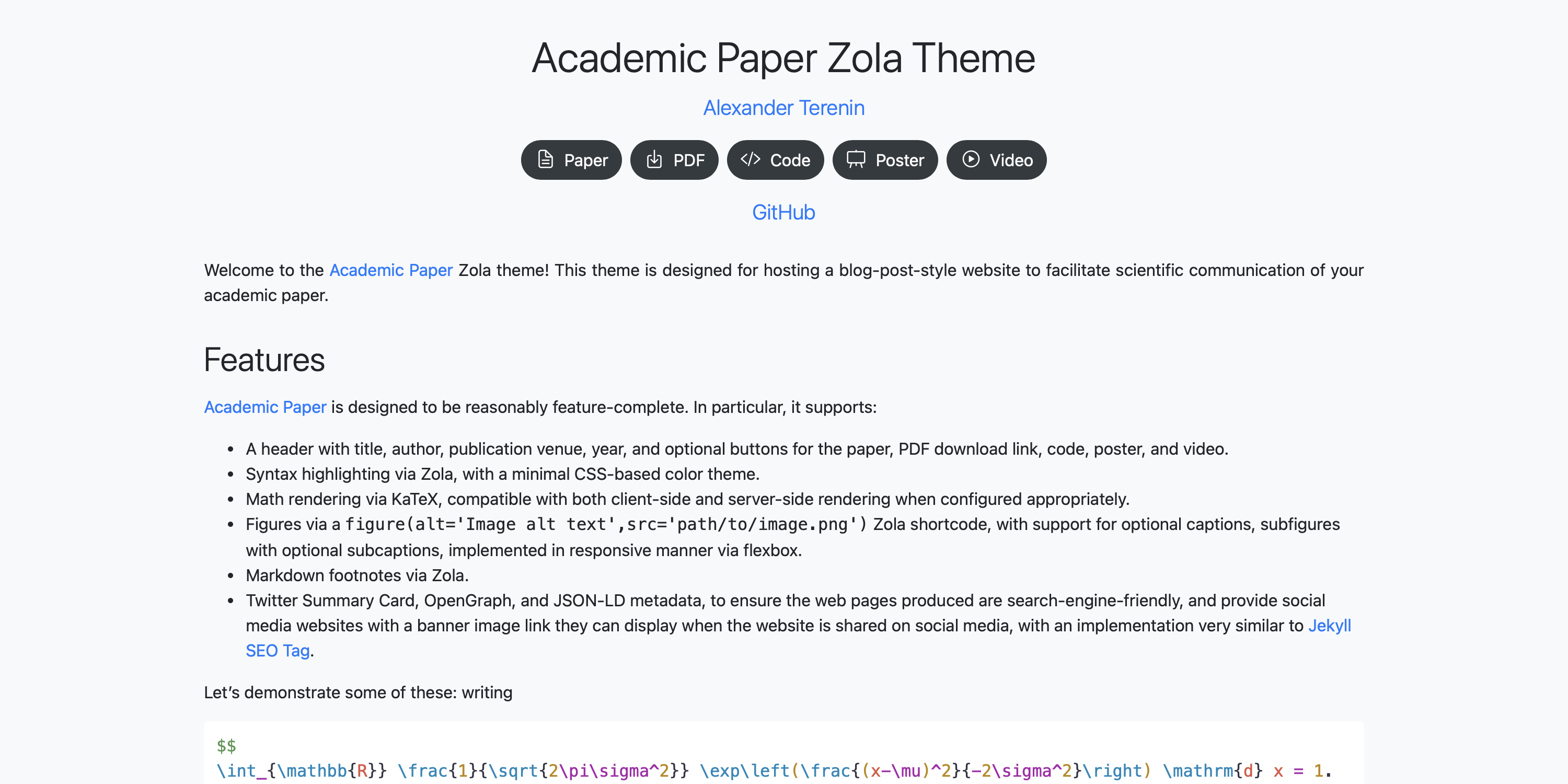
Academic Paper is a Zola theme designed for hosting a website for scientific communication of an academic paper in the style of a blog post.
A demo website built with Academic Paper can be found at aterenin.github.io/academic-paper, and an example repository using this theme can be found at github.com/aterenin/papers.avt.im, with links to the pages in this repository found at avt.im/archive?papers.
Academic Paper 是一个 Zola 主题,用于以博客文章风格搭建学术论文科学传播网站。
使用 Academic Paper 构建的演示站点见 aterenin.github.io/academic-paper,示例仓库见 github.com/aterenin/papers.avt.im,该仓库页面链接可在 avt.im/archive?papers 查看。
Academic Paper is designed to be reasonably feature-complete. Its features include: Academic Paper 的功能相对完整,包含:
figure(alt=['Image alt text'],src=['path/to/image.png']),支持图注、子图、子图注,并以响应式 flexbox 渲染。Academic Paper is designed to last.
This means it follows a set of best practices which try to ensure websites correctly built with it will work correctly in the indefinite future with minimal maintenance, even as the internet changes and links break over time.
As consequence, the theme has no JavaScript or CSS dependencies if KaTeX is used server-side.
Academic Paper 遵循 designed to last 的理念。
也就是说,它遵守一组最佳实践,尽量确保基于该主题正确构建的网站在长期未来仍可正常运行,并将维护成本降到最低,即使互联网环境变化、链接随时间失效。
因此,当 KaTeX 使用服务端渲染时,主题不依赖额外 JavaScript 或 CSS。
The examples below document the theme's options which are available in the TOML files, which are listed as comments within each file. 下方示例展示了主题在 TOML 文件中的可选配置项,这些选项也在各文件中以注释形式说明。
base_url = "https://example.com"
compile_sass = true # should be set to true
build_search_index = false # not used by the theme
generate_feed = false # not used by the theme
minify_html = true # to ensure correct rendering due to minification of whitespace, should be set to true, unless there is a reason to override it

[markdown]
highlight_code = true # should be set to true unless the page has no code to highlight
highlight_theme = "css" # this theme includes its own CSS-based styling of highlighting, so this should be set to CSS
# other Markdown options - as described in the Zola documentation - go here, and set according to user preference

[extra]
footer_text = "This website is built using [Zola](https://www.getzola.org) and the [Academic Paper](http://github.com/aterenin/academic-paper/) theme, which is [designed to last](https://jeffhuang.com/designed_to_last/)." # by default this page adds a small and non-intrusive footer with some text linking to this repository - you can set this to false to remove the footer if you prefer
server_side_katex = false # set to true to enable server-side KaTeX rendering via scripts/katex.js, this will also include KaTeX CSS and fonts in the build+++
title = "Paper Title"
[extra]
authors = [ # authors should be listed as an array in [extra] rather than via Zola's built-in support
{name = "Author 1", star = true}, # prints a star next to the author name, often useful for 'equal contribution' or similar flags
{name = "Author 2", url = "https://example.com/", star = true}, # url is optional
{name = "Author 3"},
]
star = 'Equal contribution' # adds the text 'Equal contribution' with a star superscript to the title
venue = {name = "Example Conference", date = 2023-12-10, url = "https://example.org/"} # date of publication should be listed here, to distinguish it from the date the website itself was written and updated, which can be added via Zola's built-in support
buttons = [ # this theme supports any set of buttons, but and will by default include an SVG icon for the examples listed below
{name="Paper", url = "https://example.com", no_icon = true}, # to disable drawing the icon, set no_icon to true
{name="PDF", url = "https://example.com"},
{name="Code", url = "https://example.com"},
{name="Video", url = "https://example.com"},
{name="Slides", url = "https://example.com"},
{name="Poster", url = "https://example.com"},
{name="Your custom button", url = "https://example.com"}, # to add an icon, add it as an include, and override the macro icons.html
]
katex = true # to enable math via katex - whether using server-side or client-side rendering - set katex to true
favicon = false # set to true to use favicon.ico as the page's favicon
large_card = false # set to true to generate a large-size Twitter card
+++
你的页面 Markdown 内容写在这里……